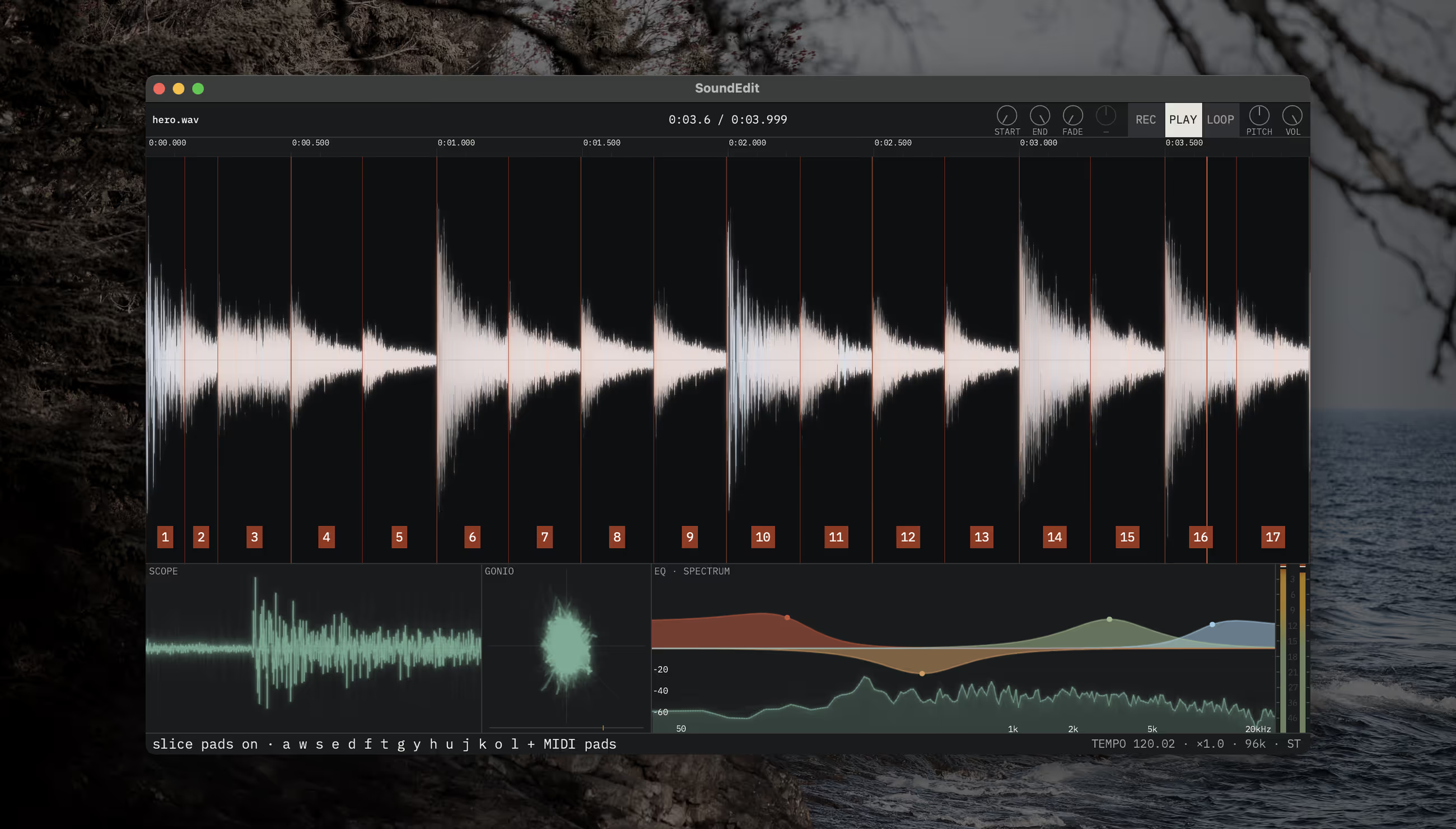
Any sound plays as an instrument, polyphonically, from the computer keys or a MIDI keyboard. Chopped, its slices land on keys and pads.
Press dossier · SoundEdit
An audio editor you can play.
SoundEdit is Audiofile Engineering’s new audio editor for the Mac, from the makers of Wave Editor and Sample Manager. Any sound plays as an instrument from the keys and pads, the Library opens every folder of sounds you own, and SoundEdit Pro measures each one and makes it ready for any sampler. No subscription.
Story brief
What the makers of Wave Editor built next.
Since 2004, Audiofile Engineering has made audio software for the Mac, including Wave Editor, Sample Manager, Triumph, Myriad and Loop Editor. SoundEdit is what the studio built next: an audio editor you play like an instrument.
Load a sound and it plays across the octaves from a MIDI keyboard or the computer keys. Chop it and the slices land on keys and pads. Ingredients layer sounds live over the untouched original, eight Audio Unit slots play on every file, and the file’s History keeps every step, after quit too.
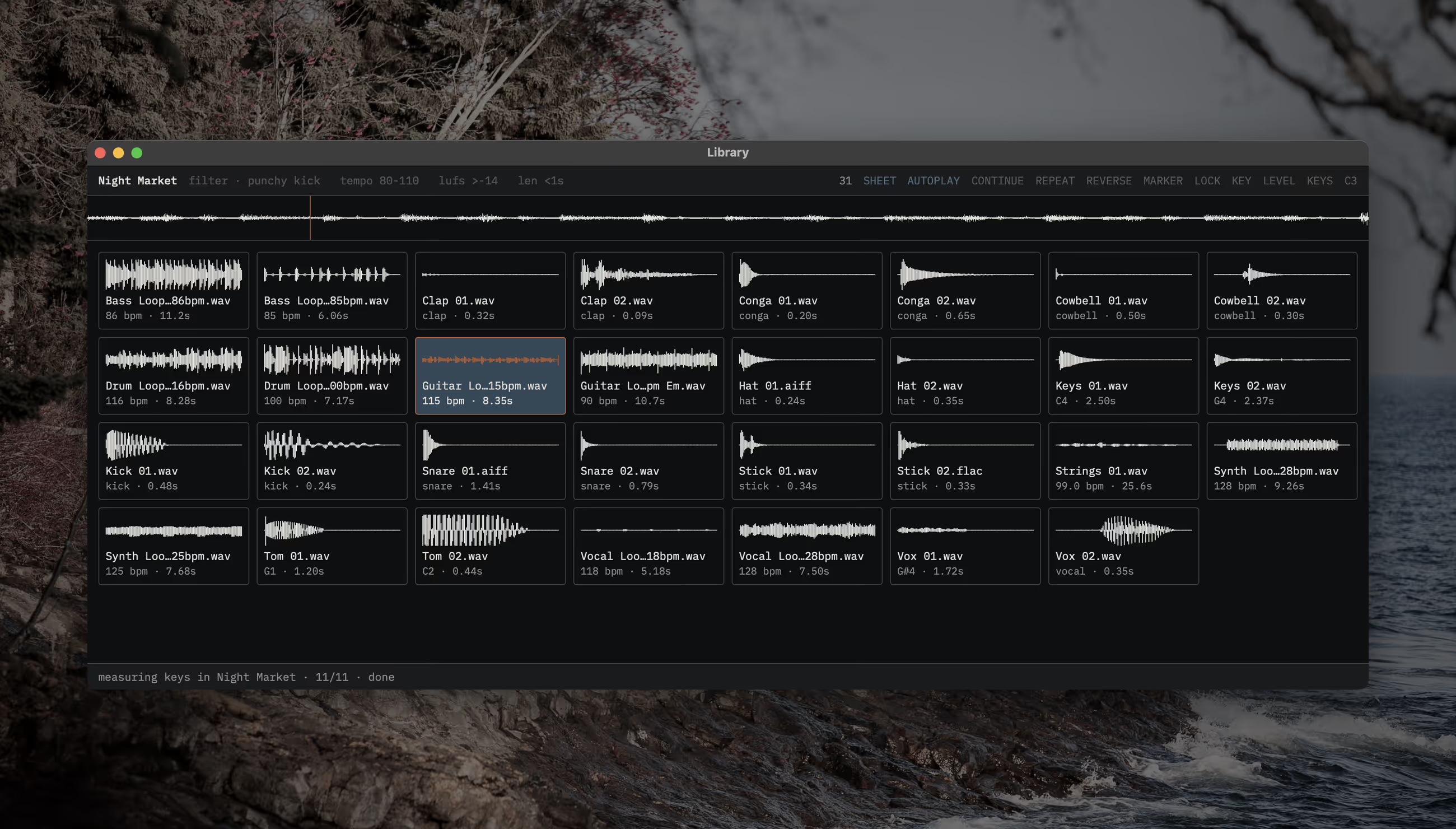
SoundEdit 1.1 brings the Library: any folder of sounds, nothing imported, heard from the keyboard. And SoundEdit Pro, with a 14-day trial of its own, measures each sound where it sits, plays loops in your tempo and key, writes fixes into the files themselves, runs recipes over whole folders and makes kits for the sampler on your desk.
Turn on Settings ▸ Agent, and the AI agent you already use, in Claude or any MCP client, works in SoundEdit while you watch and listen.
In brief
What SoundEdit does.
Records anything the Mac plays: What’s Playing, one app, or any input.
Ingredients play live over the untouched original until Reduce mixes them in, as a step you can undo.
Eight Audio Unit slots on every file, kept in its History with every other step, after quit too.
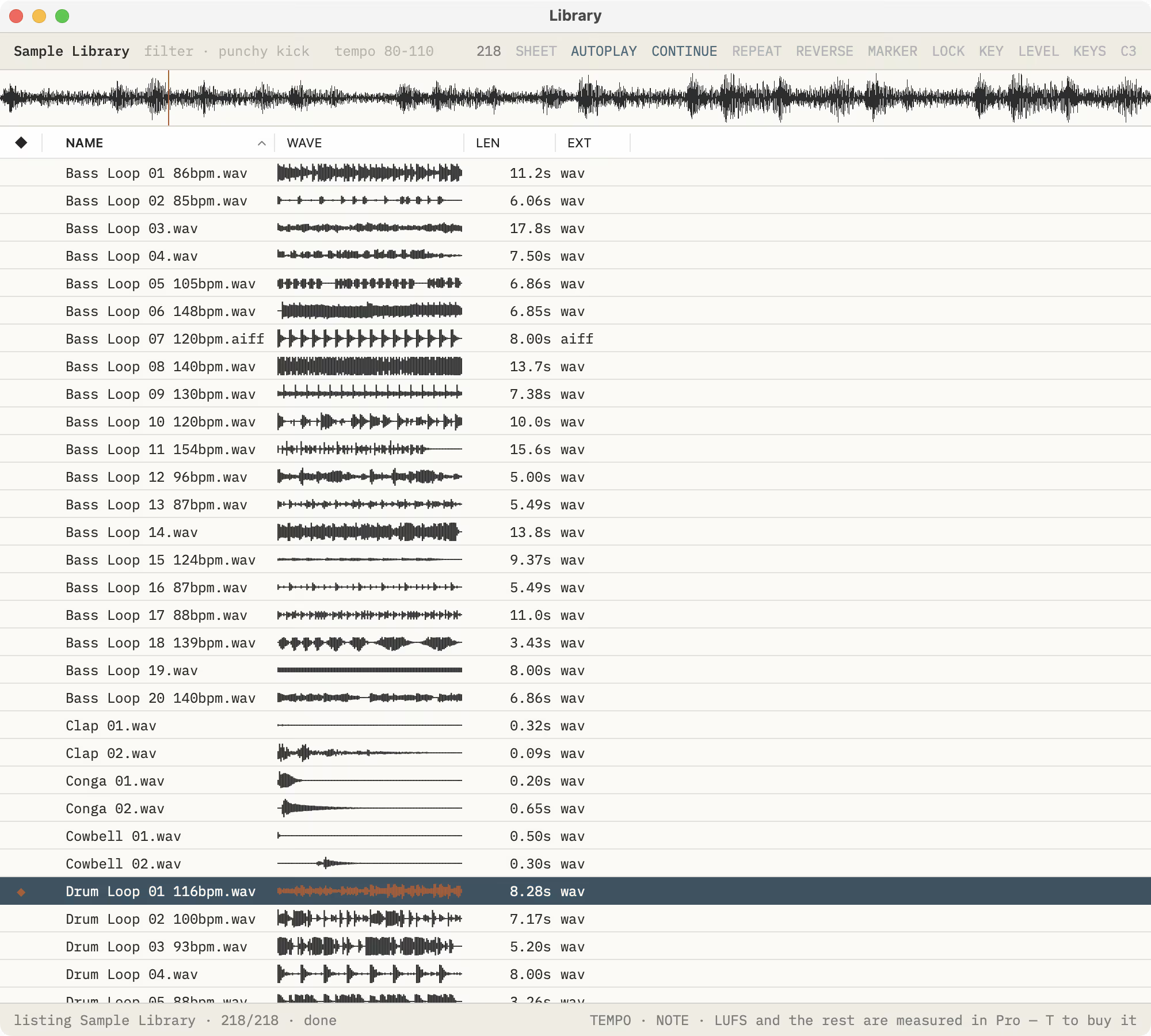
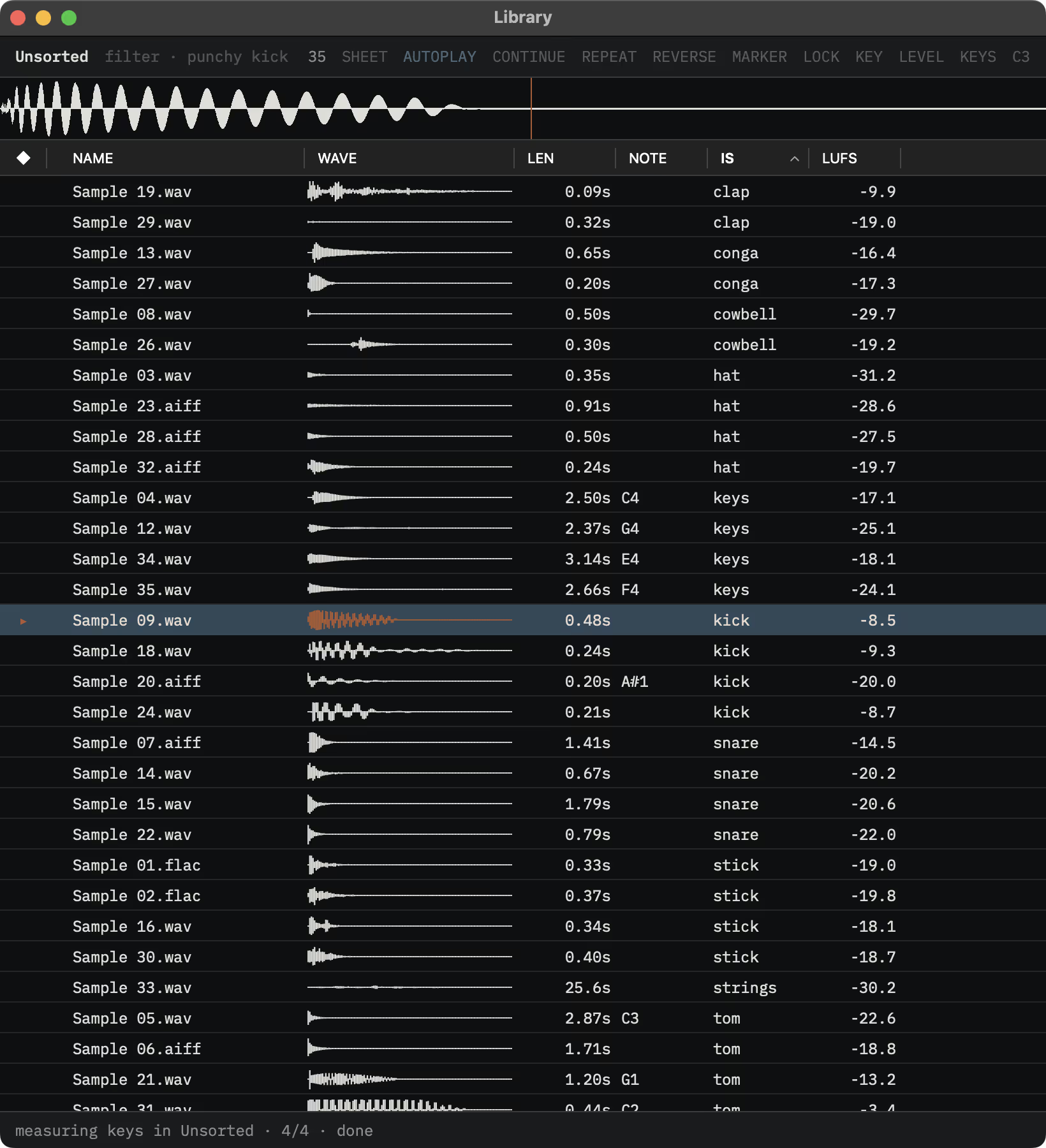
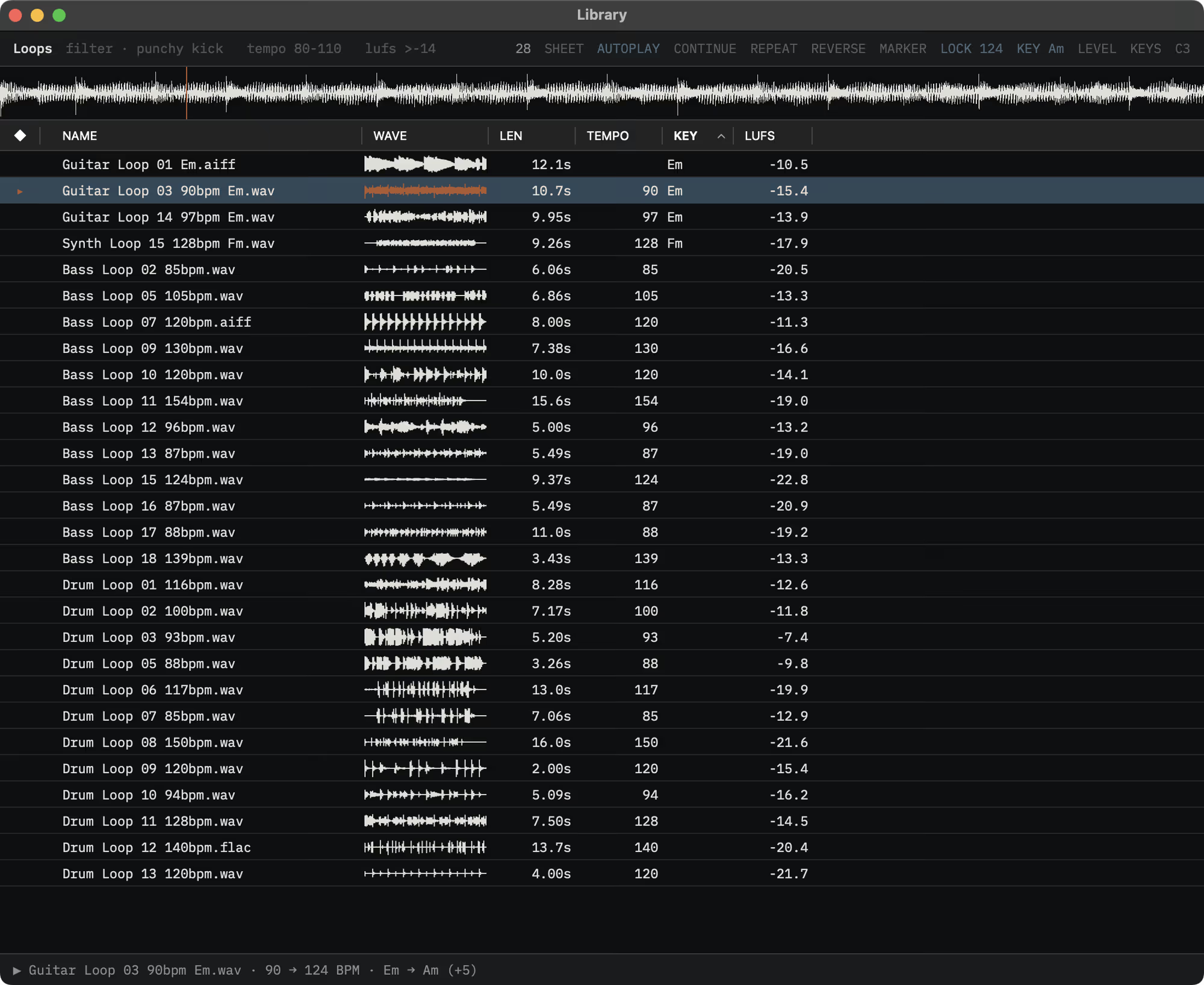
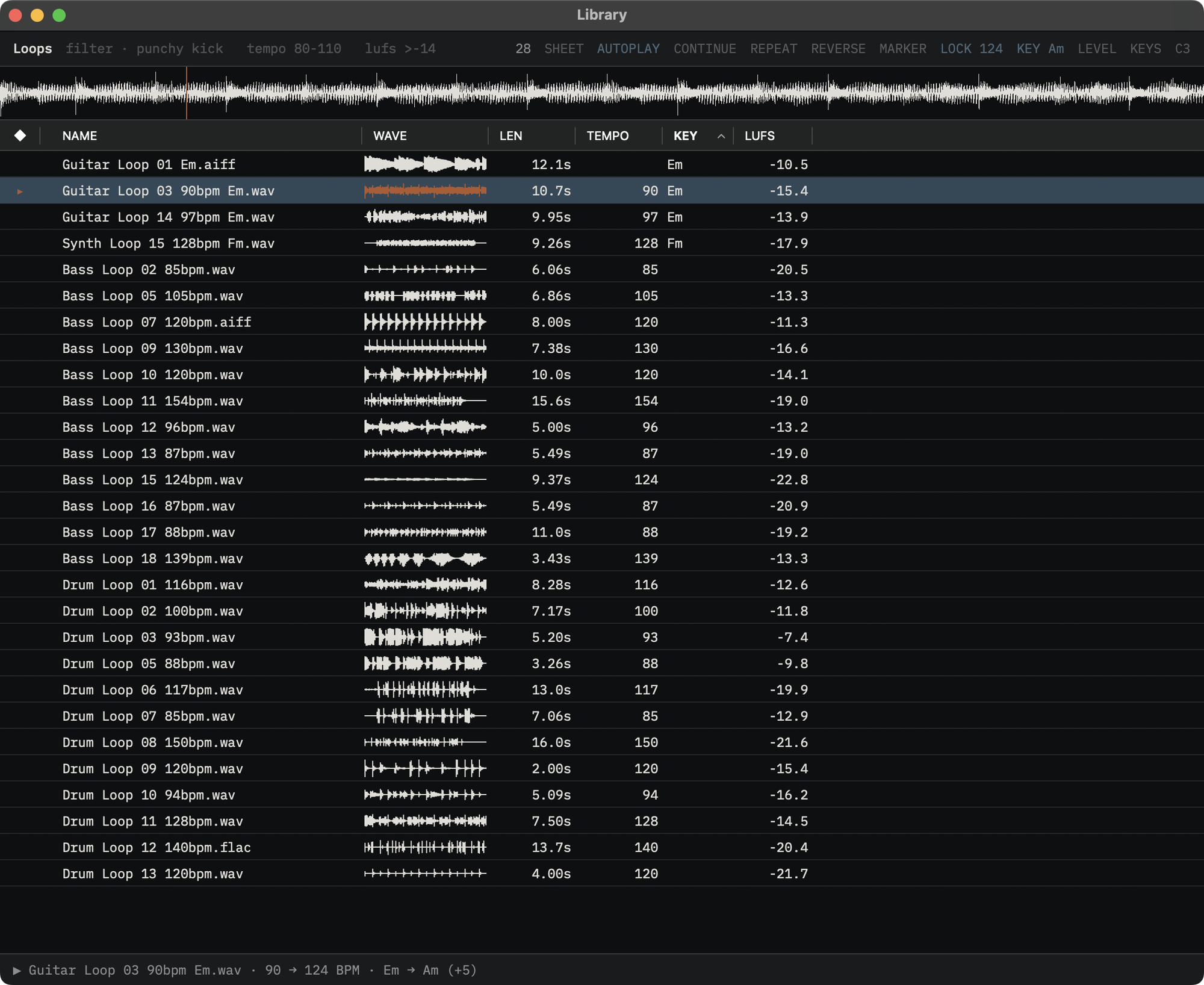
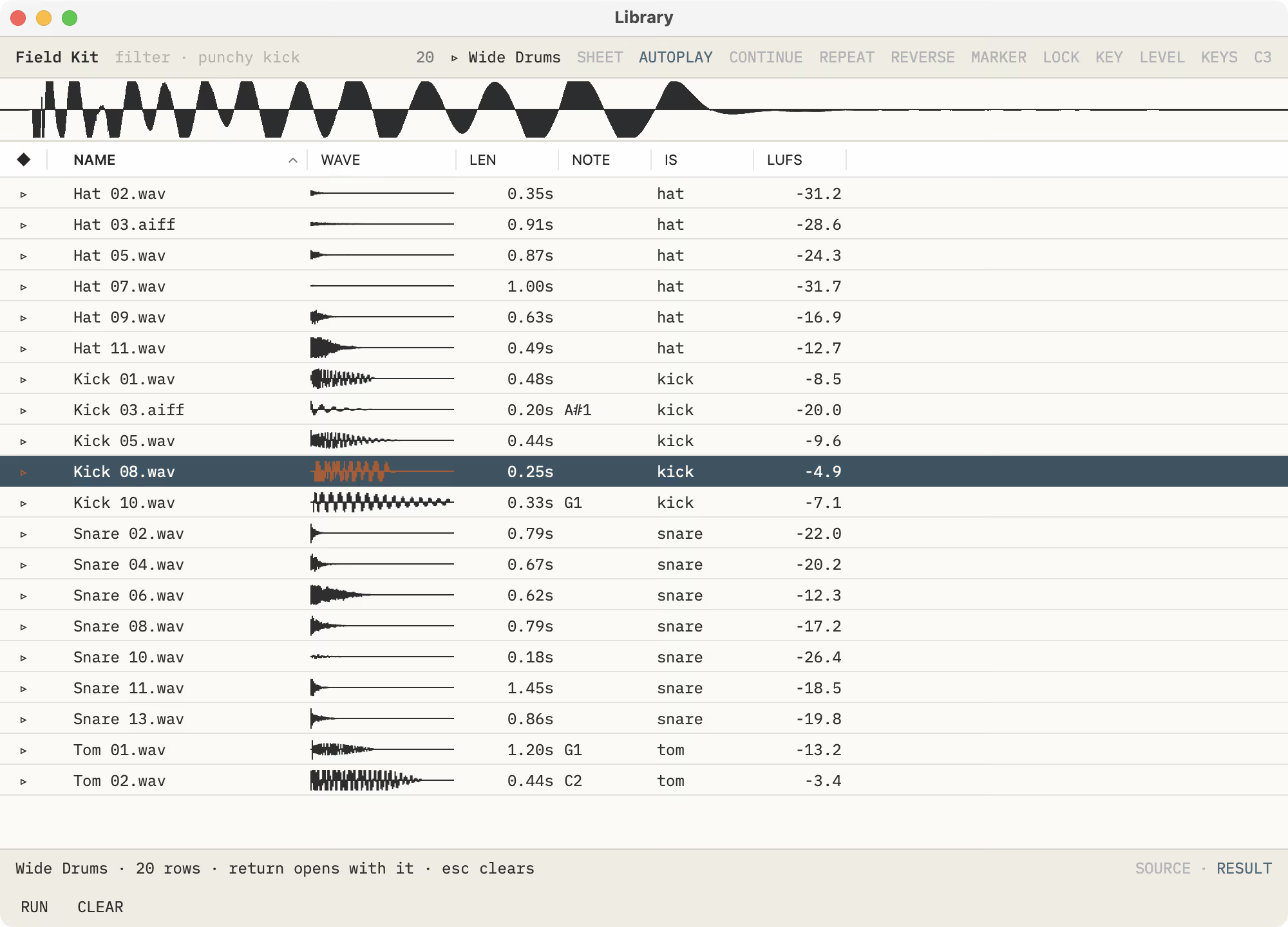
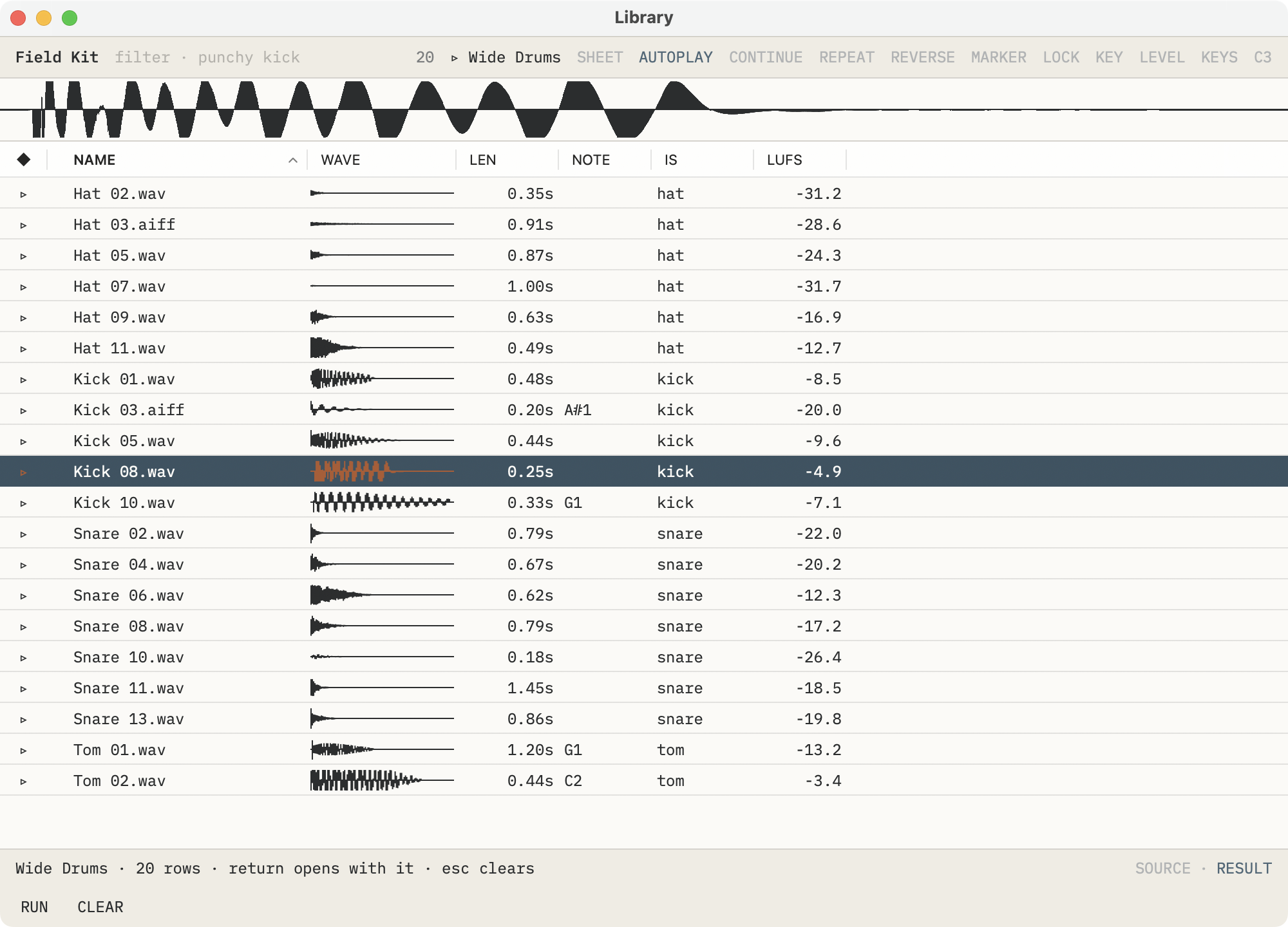
The Library opens any folder of sounds, nothing imported. SoundEdit Pro measures each one where it sits: what it is, its tempo, root note, key and loudness.
With Pro: kits for OP-XY, OP-1 field, EP-133, MPC, SFZ, Decent Sampler, SoundFont and Ableton, and folders fitted to two dozen samplers.
MCP: the AI agent you already use, in Claude or any MCP client, works in SoundEdit while it’s open.
At a glance
SoundEdit facts.
Platform macOS 14 or later · Apple silicon and Intel
Distribution Mac App Store
Price Free to download. The editor and SoundEdit Pro each try free for 14 days, then a one-time in-app unlock. No subscription.
The Library and Pro New in SoundEdit 1.1, released 2 November 2026
Files Opens WAV, AIFF, CAF, FLAC, MP3, AAC and M4A; saves WAV, AIFF, CAF, FLAC, ALAC, AAC or MP3, at the depth and rate you pick
Audio Units Eight slots on every file, played live and kept in its History
MIDI Every command on a key and a MIDI control; an OP-1, OP-XY or EP arrives already set up
Kits and devices With Pro: eight kit formats, sent over USB to OP-XY, OP-1 field and EP-133, and folders fitted to two dozen samplers
AI agents MCP, in Settings ▸ Agent: the open file for everyone; with Pro, the Library’s tools and serving without a window
Developer Audiofile Engineering, Two Harbors, Minnesota, since 2004
Reviewer workflow
How to play it.
- Open a sound and play it from the computer keys or a MIDI keyboard: it plays across the octaves, polyphonically.
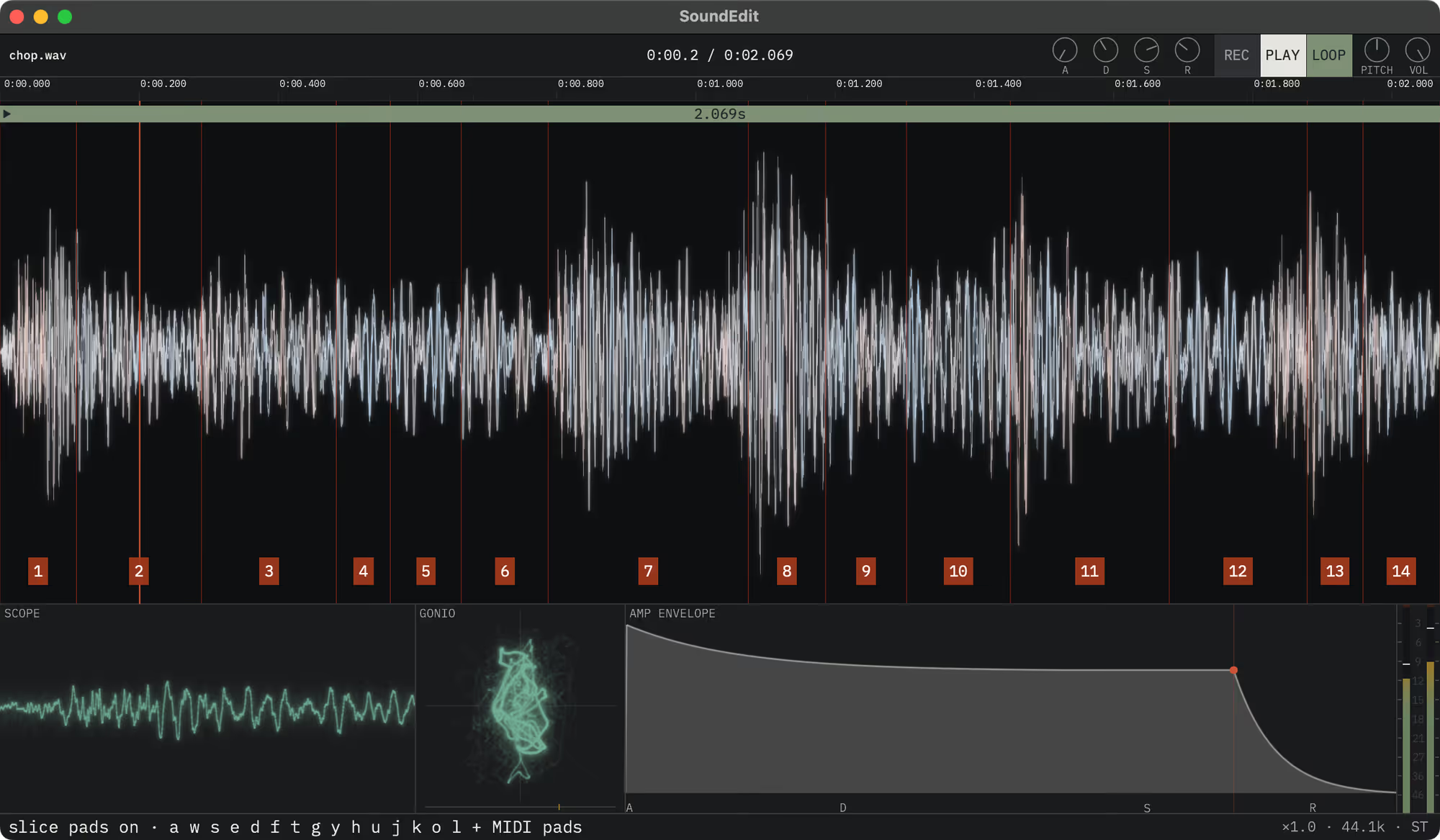
- Choose Slices ▸ Chop into Slices (/): it’s cut at every hit. Turn on Slices ▸ Slice Play Mode and play the slices from your keyboard or a MIDI pad controller.
- ⌥-drag a second sound from the Finder onto the waveform. It plays live as an Ingredient on its own lane, and Reduce mixes it into the file when you’re ready.
- Choose Process ▸ Slots ▸ Choose Plug-in… and type a few letters of an Audio Unit’s name. Quit, open the file again and press ⌘Z: every step is still there, and the plug-ins come back with it.
- Choose File ▸ Open Folder in Library… and pick a folder of sounds you already have. The arrow keys audition each one, and Return opens it in the editor.
- Start the SoundEdit Pro trial from the Library. TEMPO, NOTE, IS and LUFS fill in as each sound is measured: click LUFS to sort by loudness, or type tempo 80-110 to keep the loops in that range.
- Or begin with Help ▸ Open Demo Session: a loop that already carries its History.
Images
Full size, ready to publish.
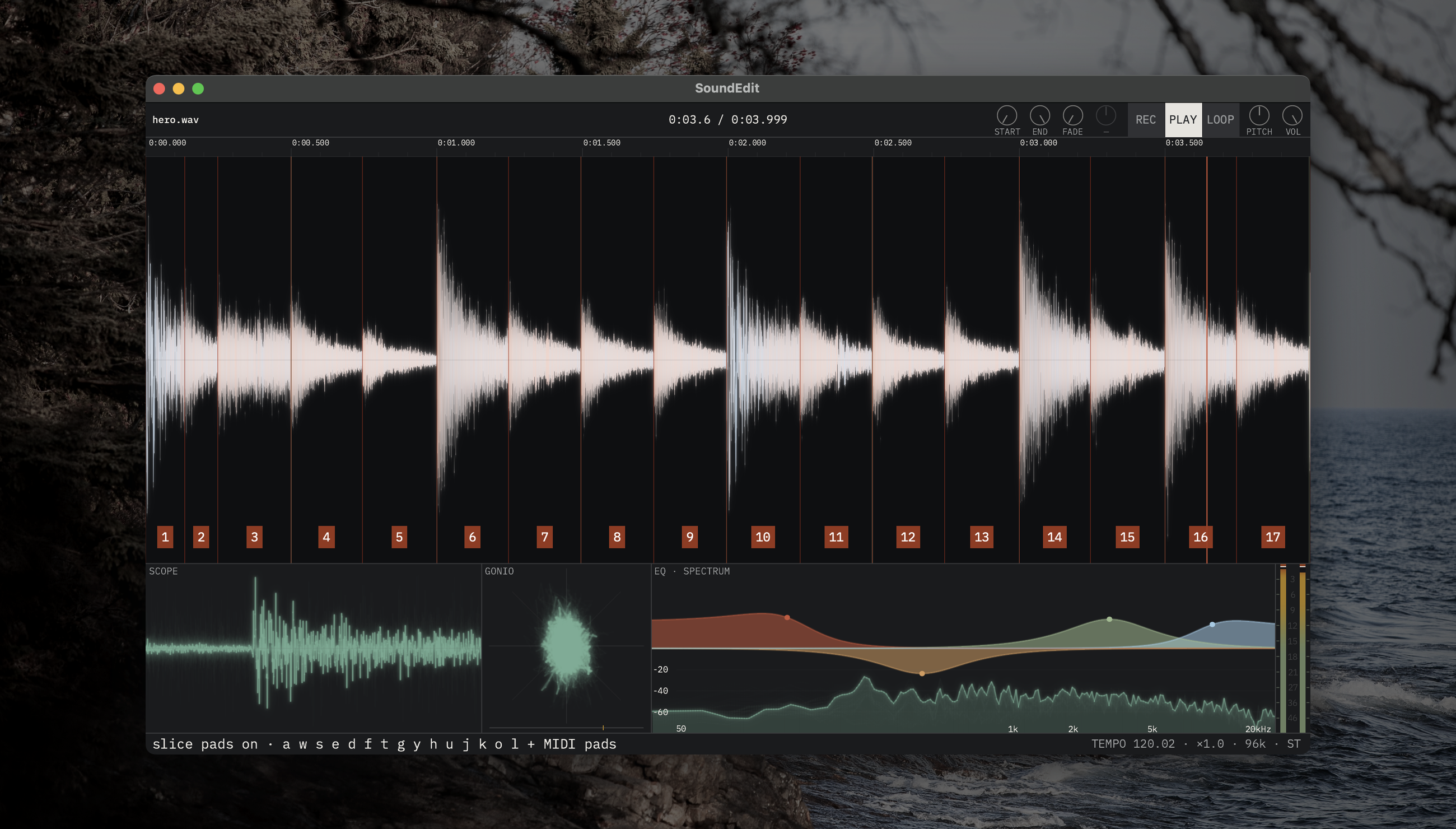
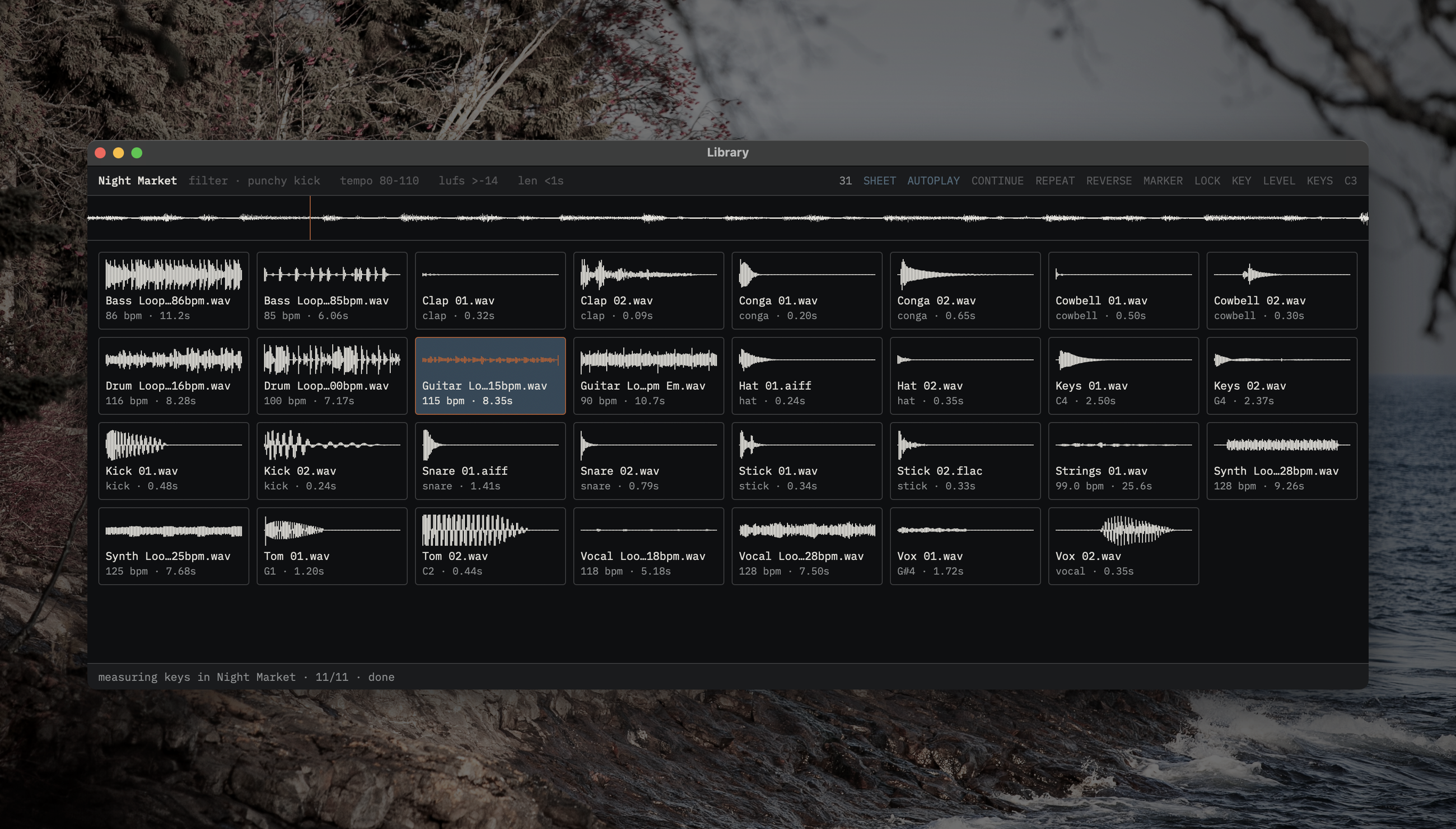
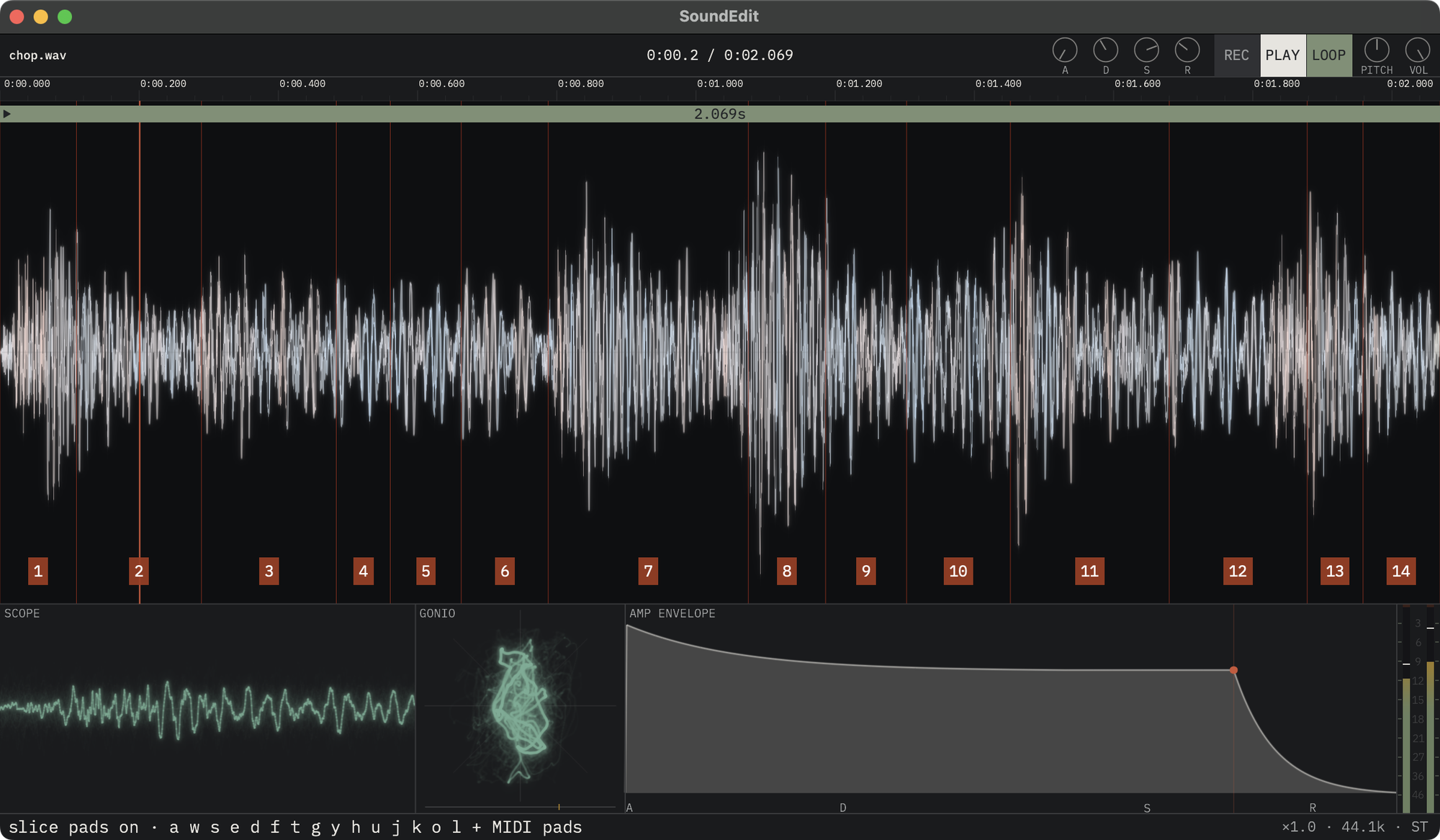
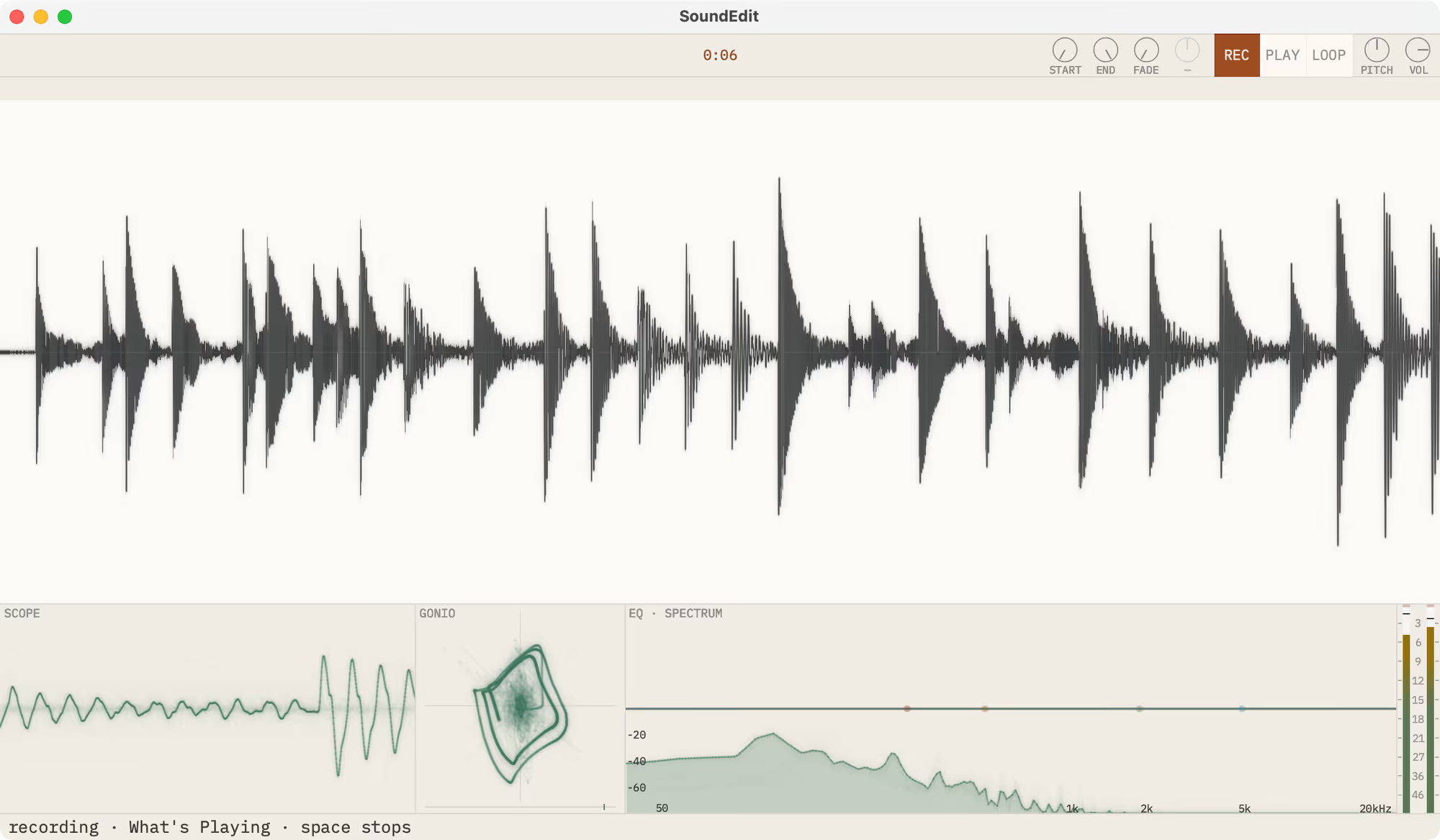
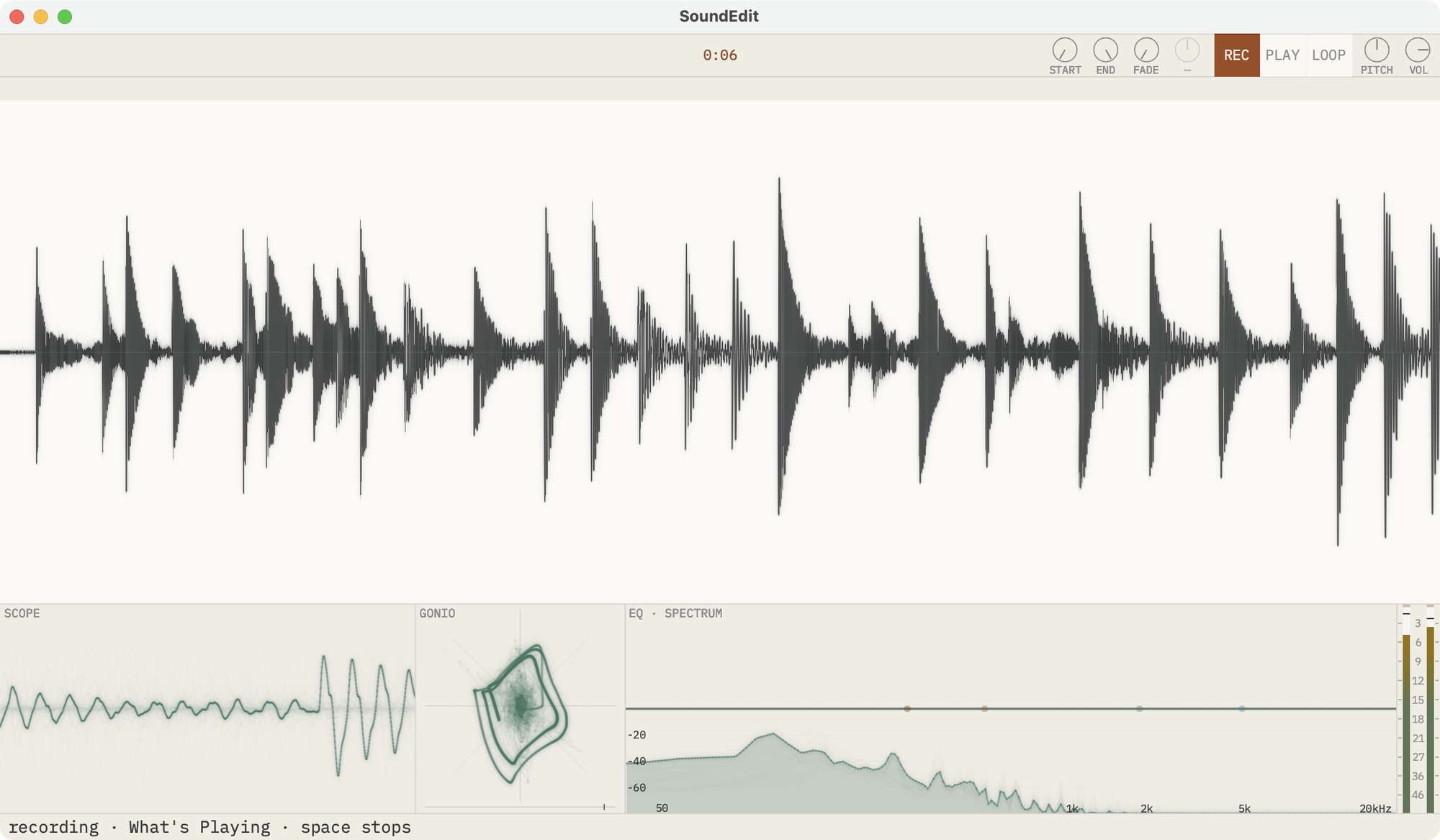
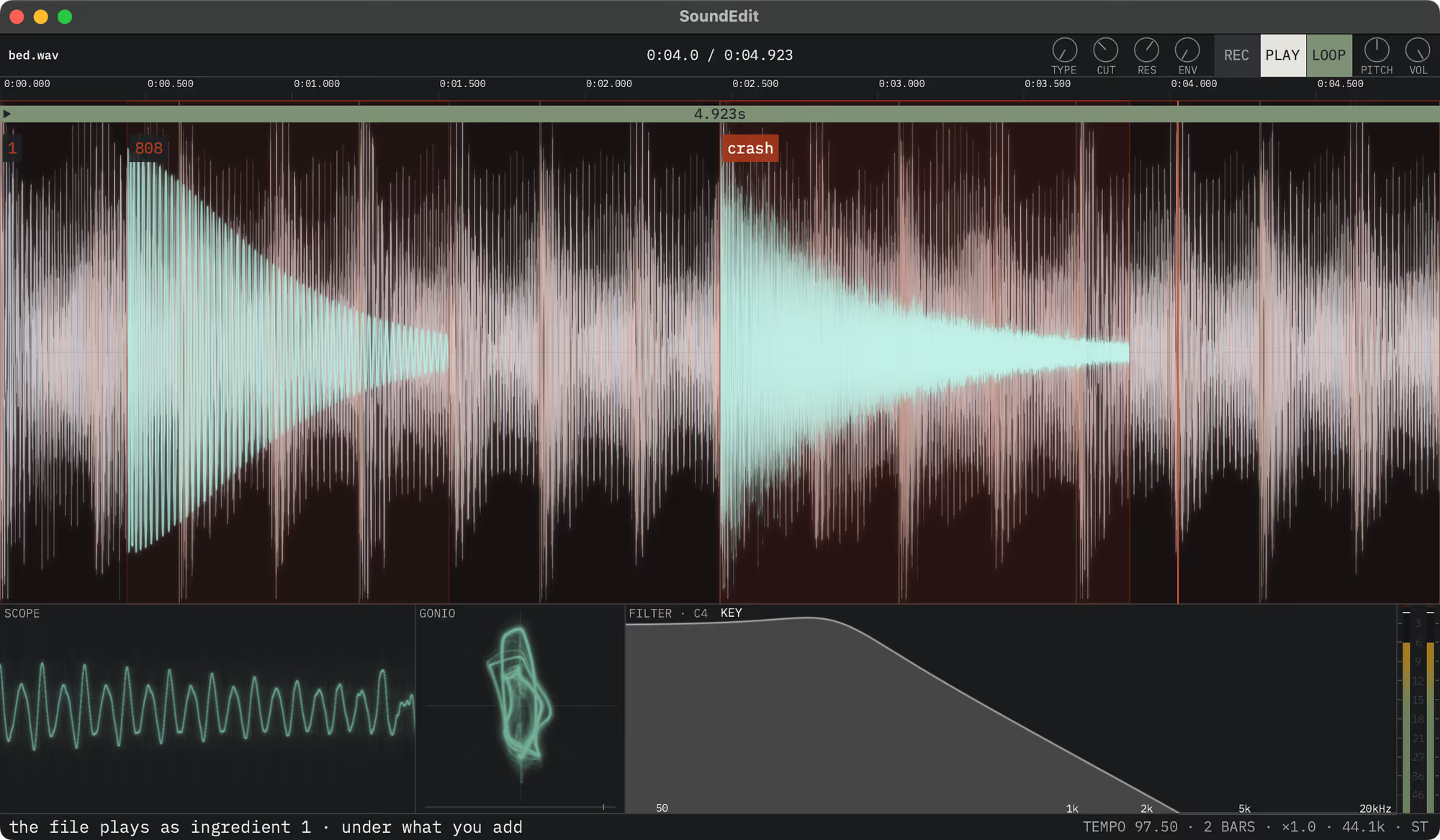
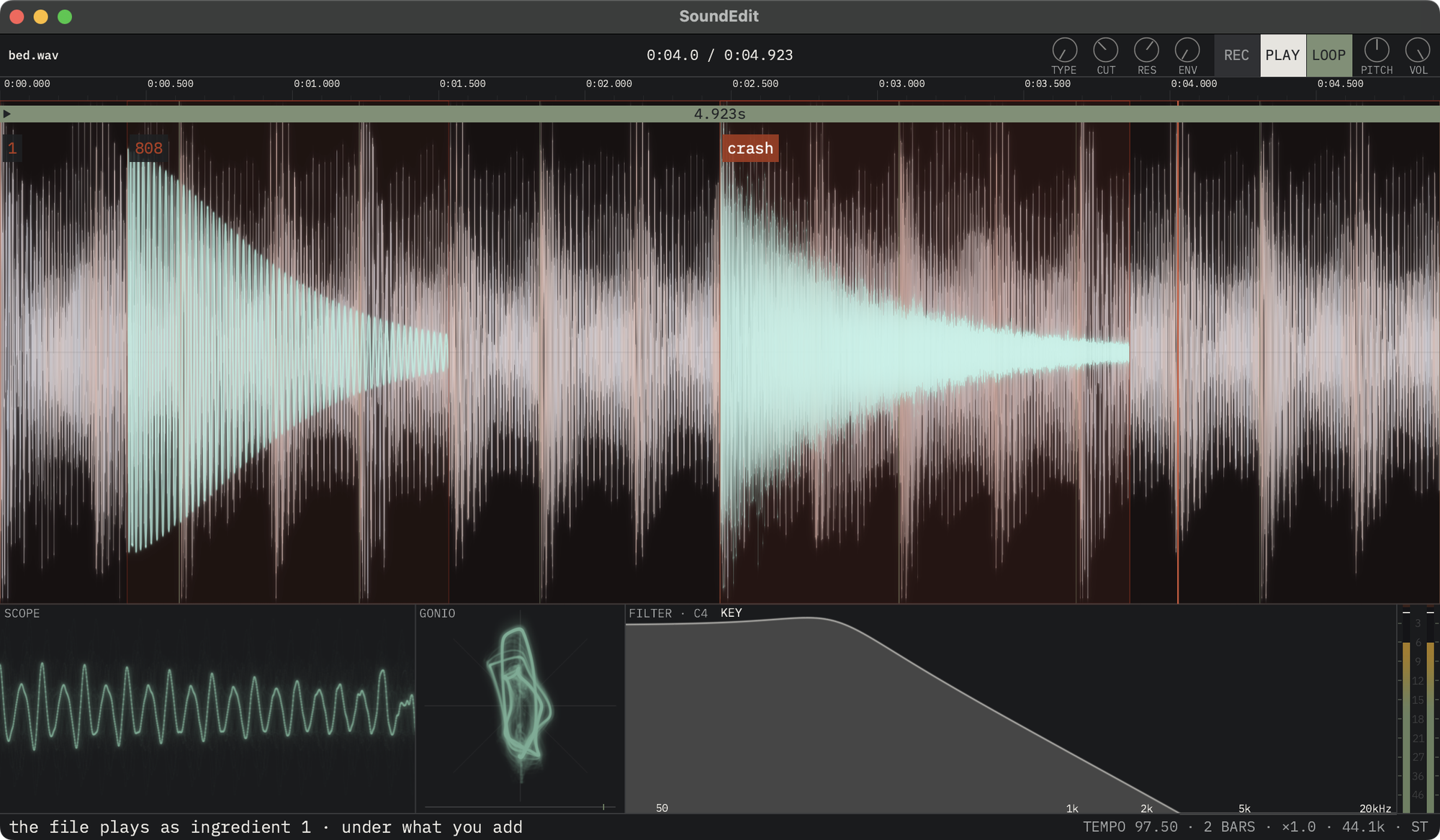
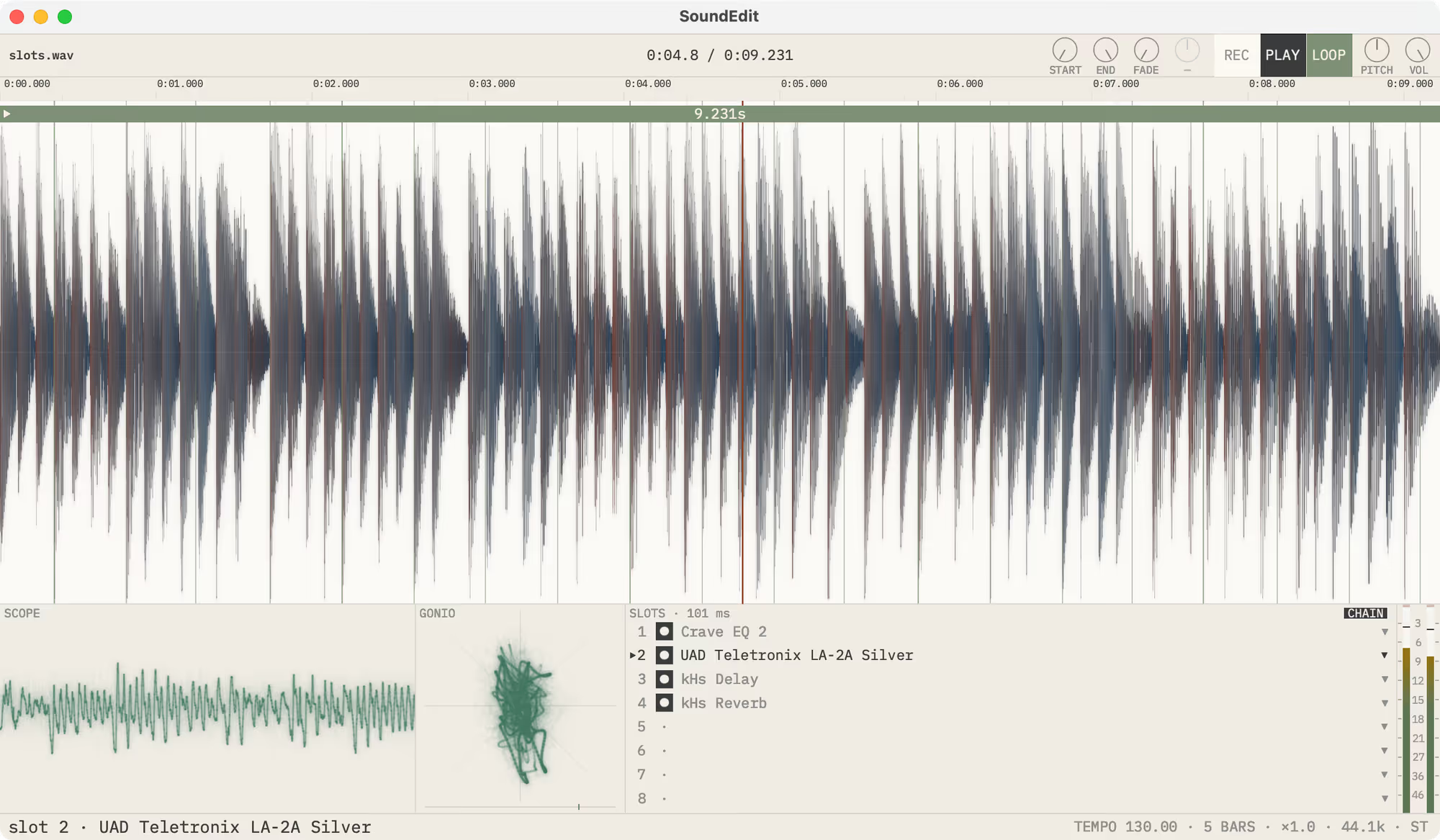
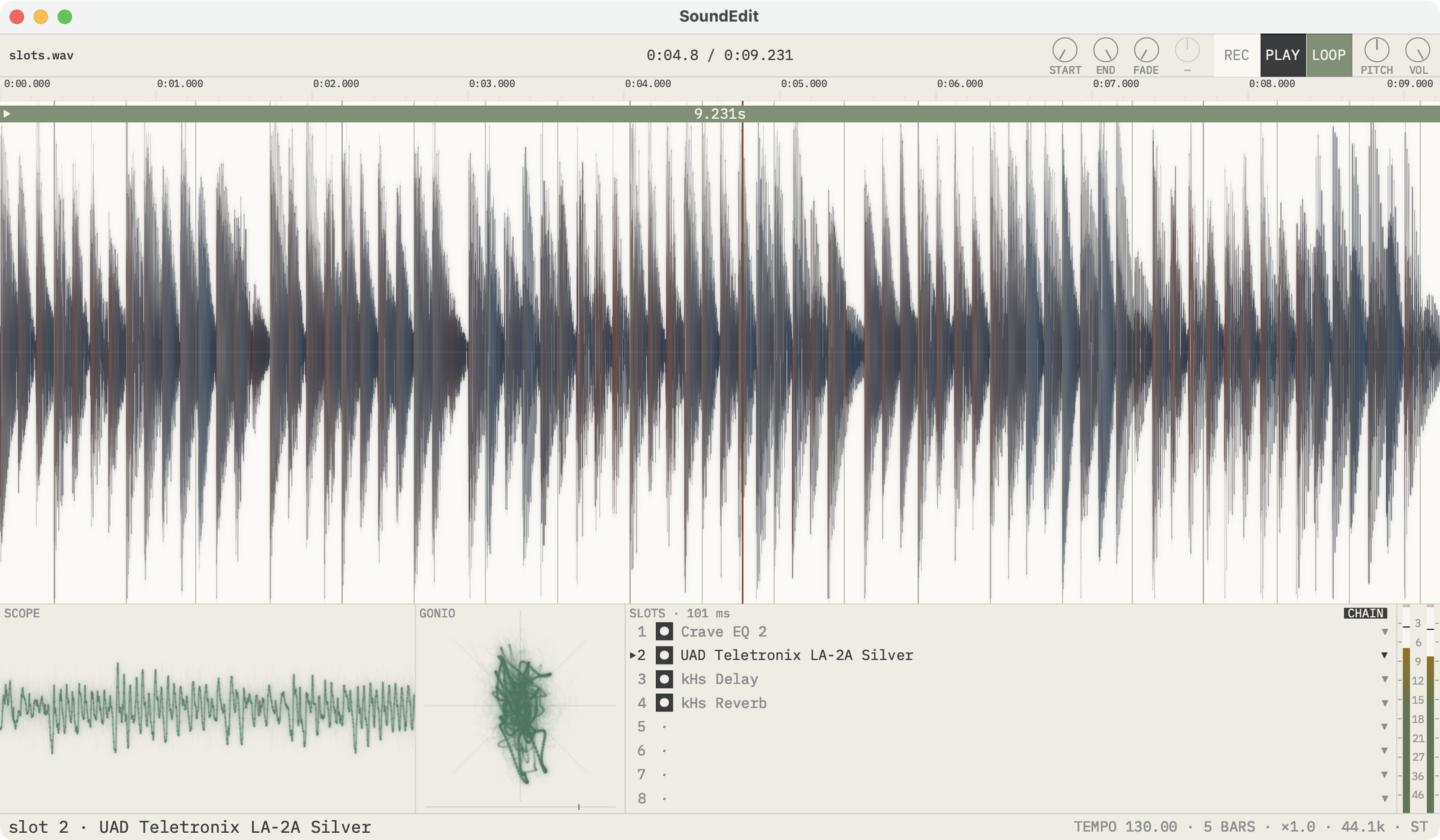
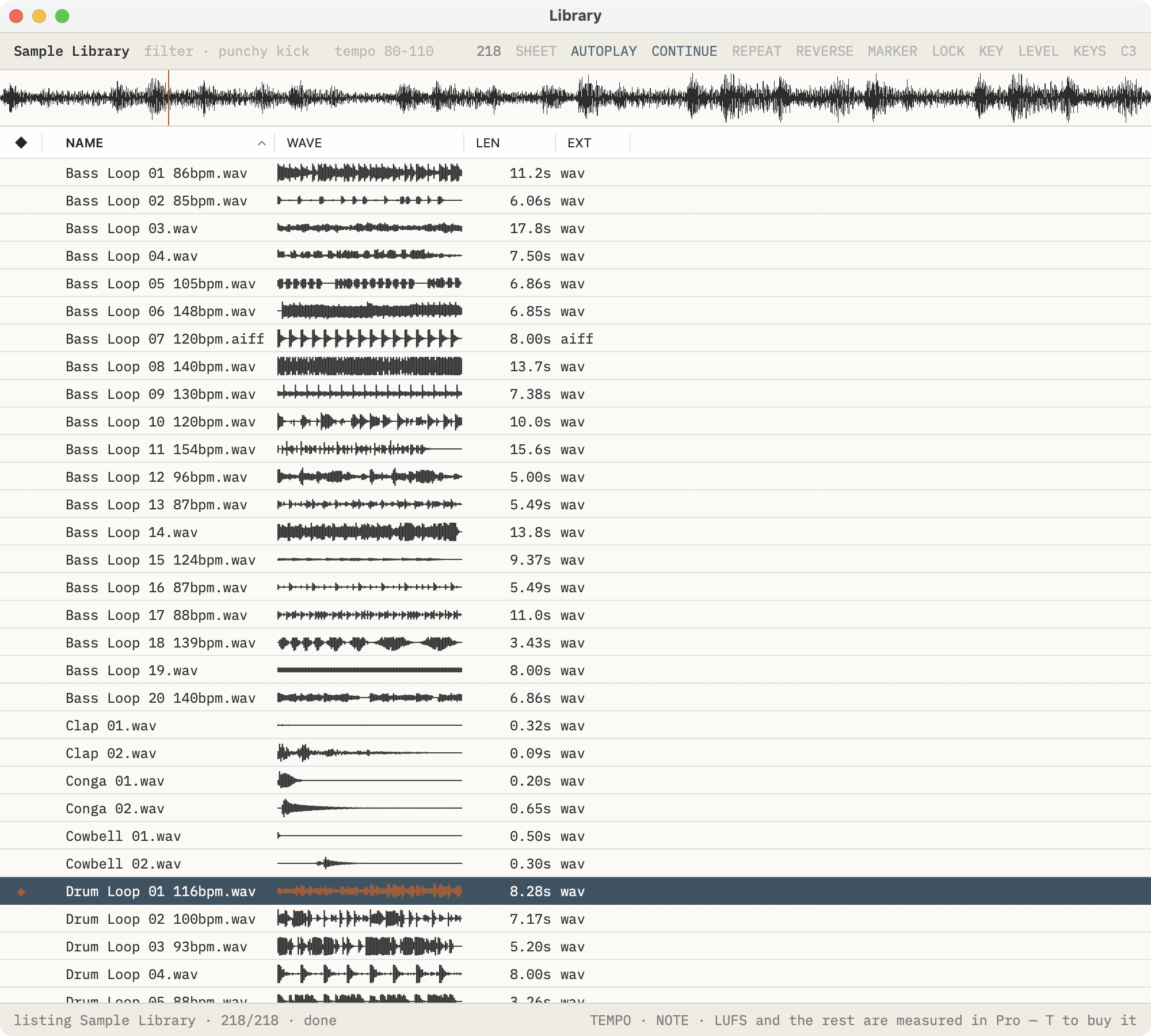
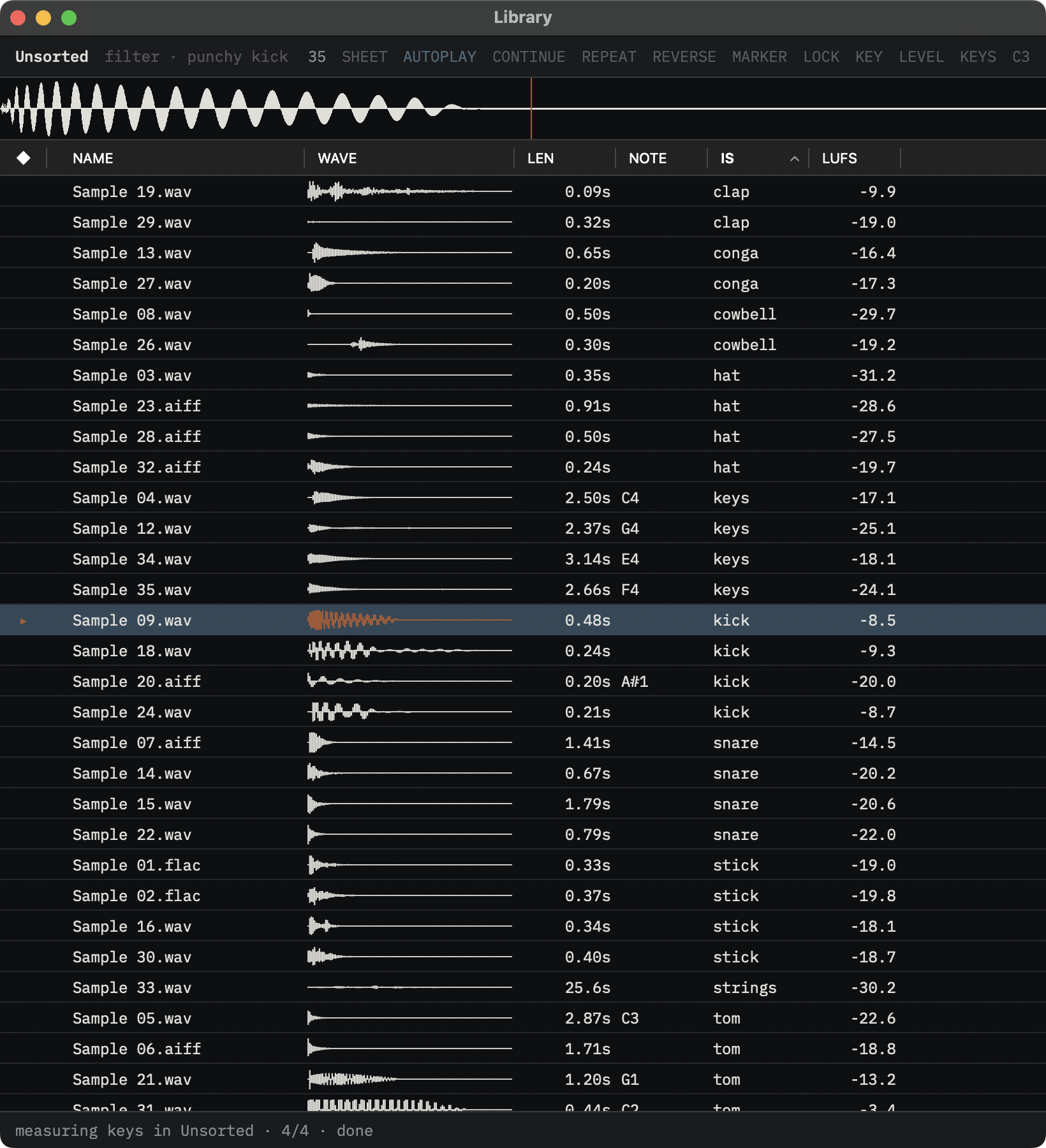
Screenshots of SoundEdit 1.1 and its icon. Each name downloads the full-size PNG.
Press assets
Use these URLs.
Copy-ready boilerplate
Audiofile Engineering is an audio product studio in Two Harbors, Minnesota. Since 2004, the studio has built apps for Apple platforms and engineered audio products for music and pro audio brands. Its apps include SoundEdit, an audio editor you can play, and Fidelia, a music player for collected libraries on Mac and iPhone. Past clients include Universal Audio, RØDE, D'Addario, and teenage engineering. Project specifics are confidential.
Short press pitch
SoundEdit is an audio editor you can play: Audiofile Engineering’s new editor for the Mac, from the makers of Wave Editor and Sample Manager, with a Library for every sound you own.