An audio editor you can play.
Play any sound from your keys and pads, record anything your Mac plays, and open every folder of sounds in the Library. SoundEdit Pro measures each one, plays it in your tempo and key, and makes it ready for any sampler.
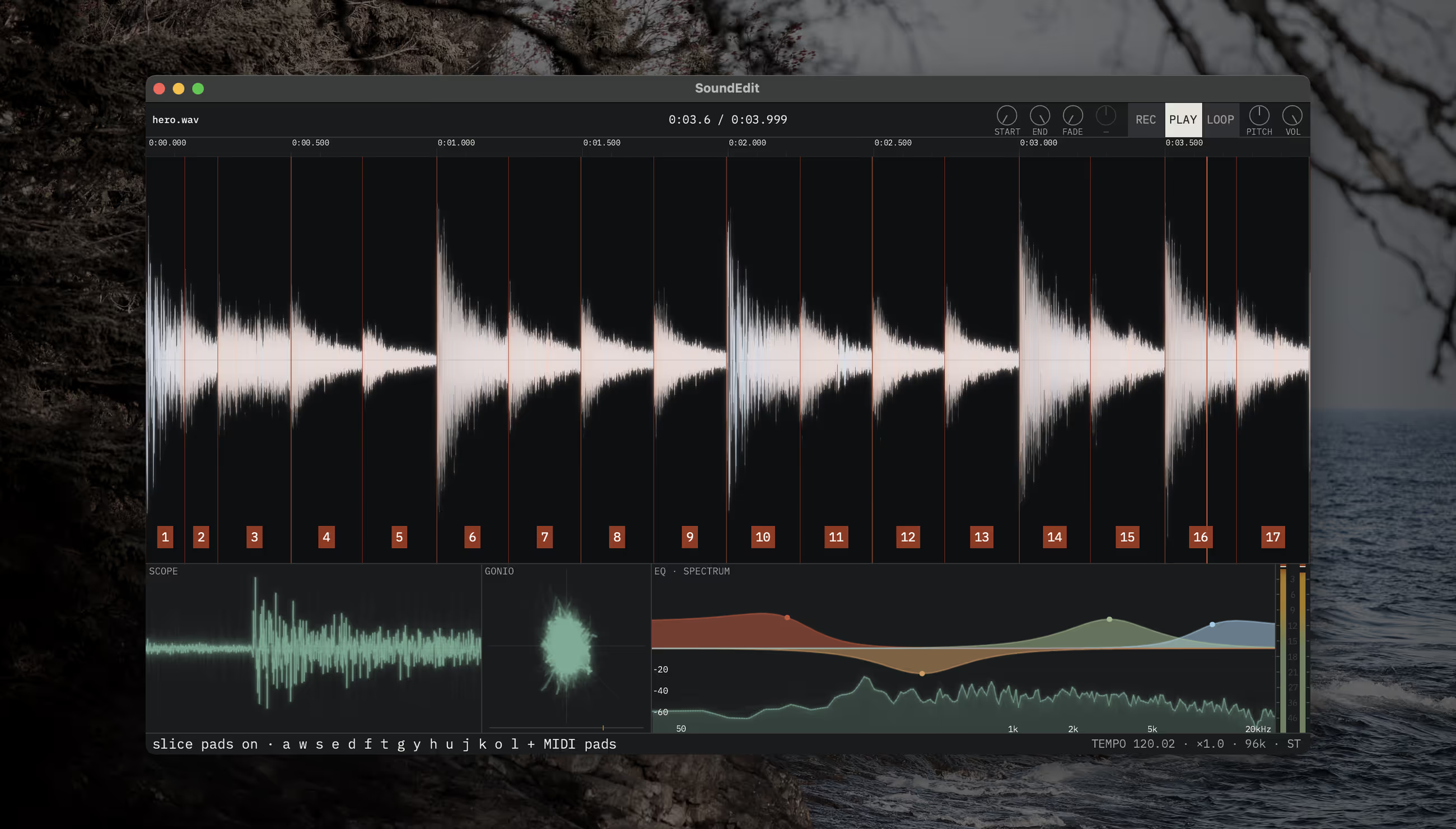
Chop a break straight to your pads.
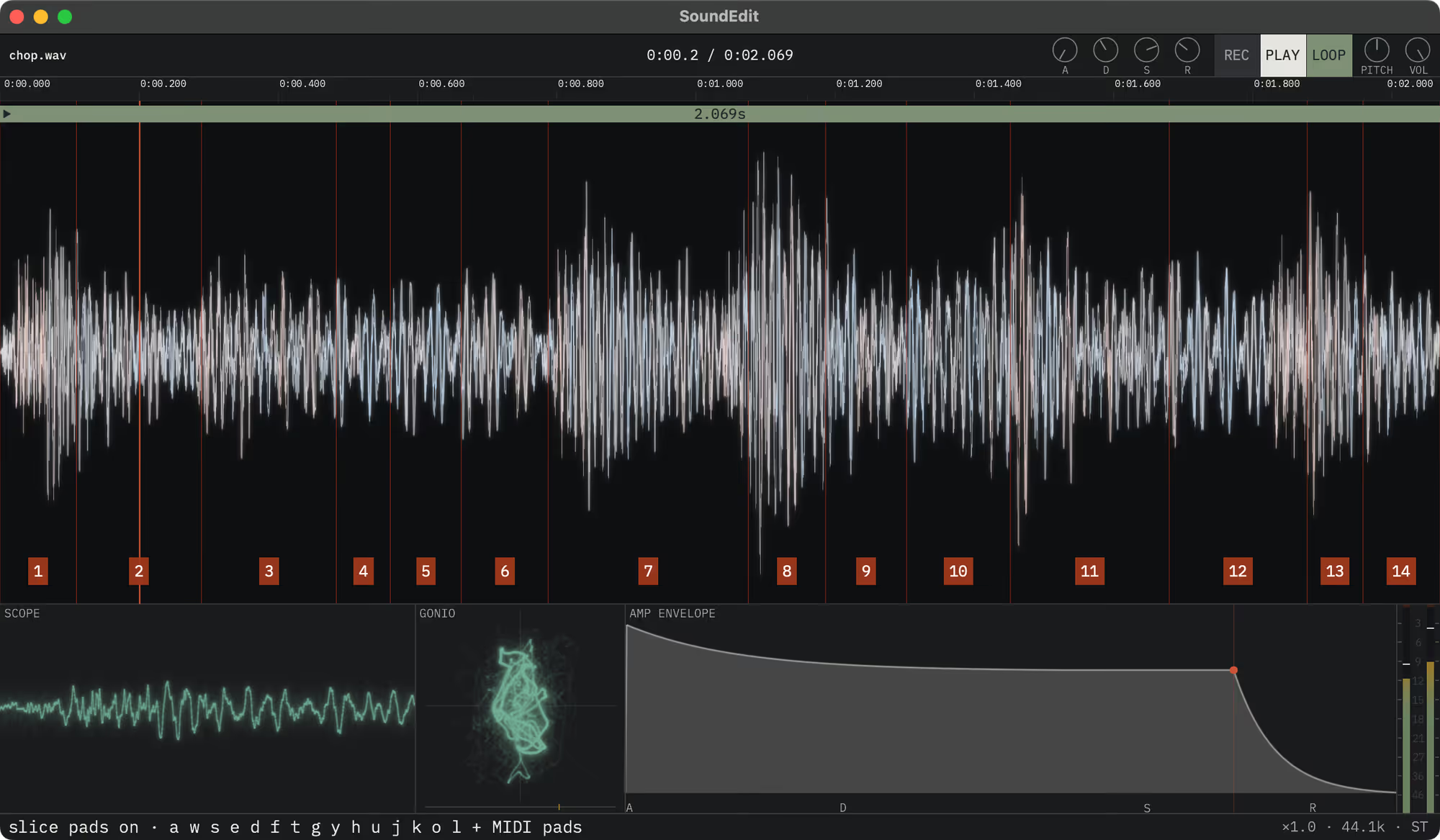
Load a sound and it becomes an instrument: play it across the octaves from a MIDI keyboard or the computer keys, polyphonically, with an envelope and a filter on every voice. Chop it and the slices land on the hits, and the same keys, an OP-1, an OP-XY, any EP or any pad controller play them.
- Polyphonic keys
- Slices on pads
- Every control on MIDI
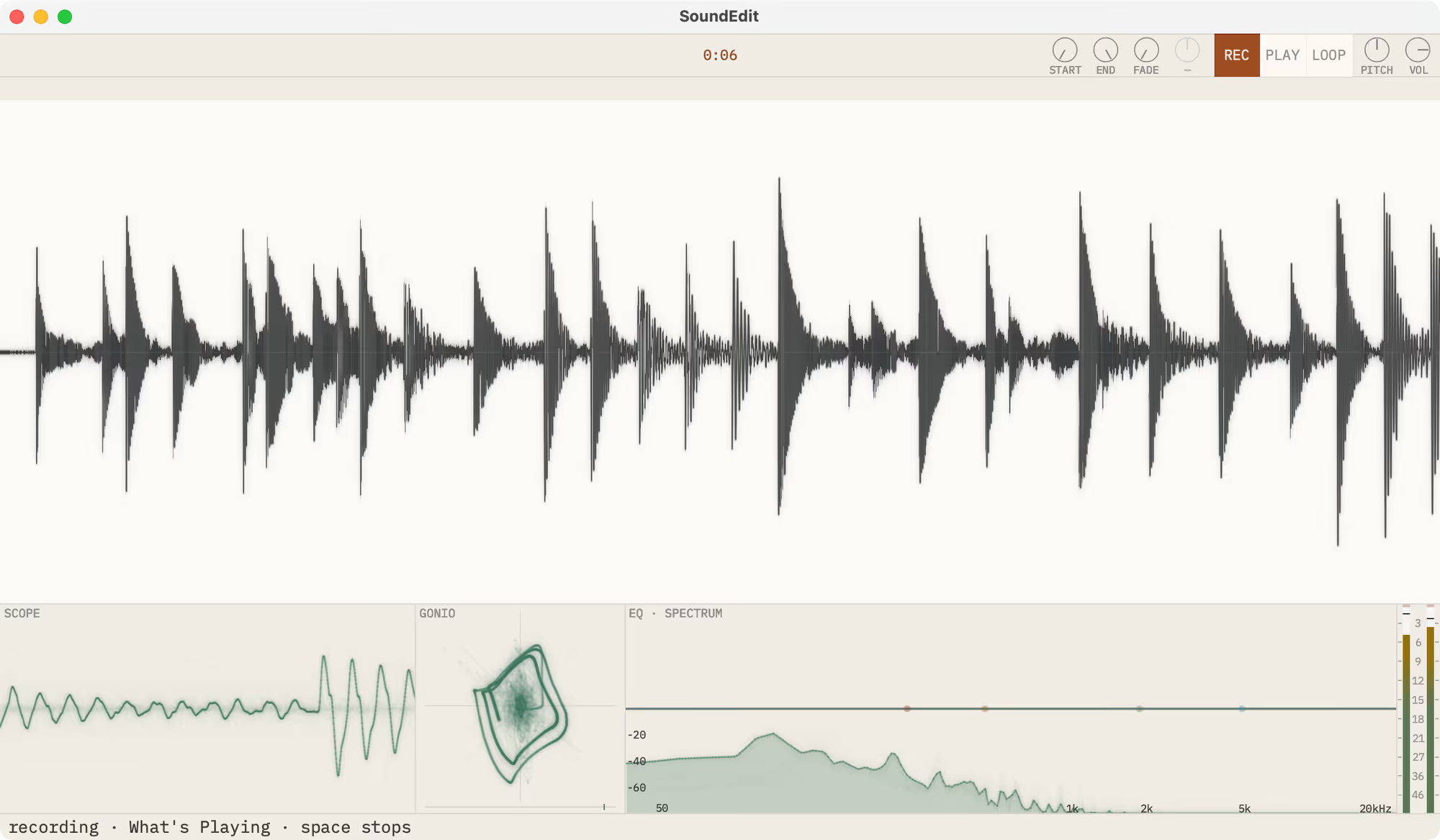
Record anything your Mac plays.
What’s playing, one app, or any input. The take draws into the waveform as it arrives and is safe from its first second, so sampling a sound you just heard is one key away.
- What’s Playing
- One app
- Any input
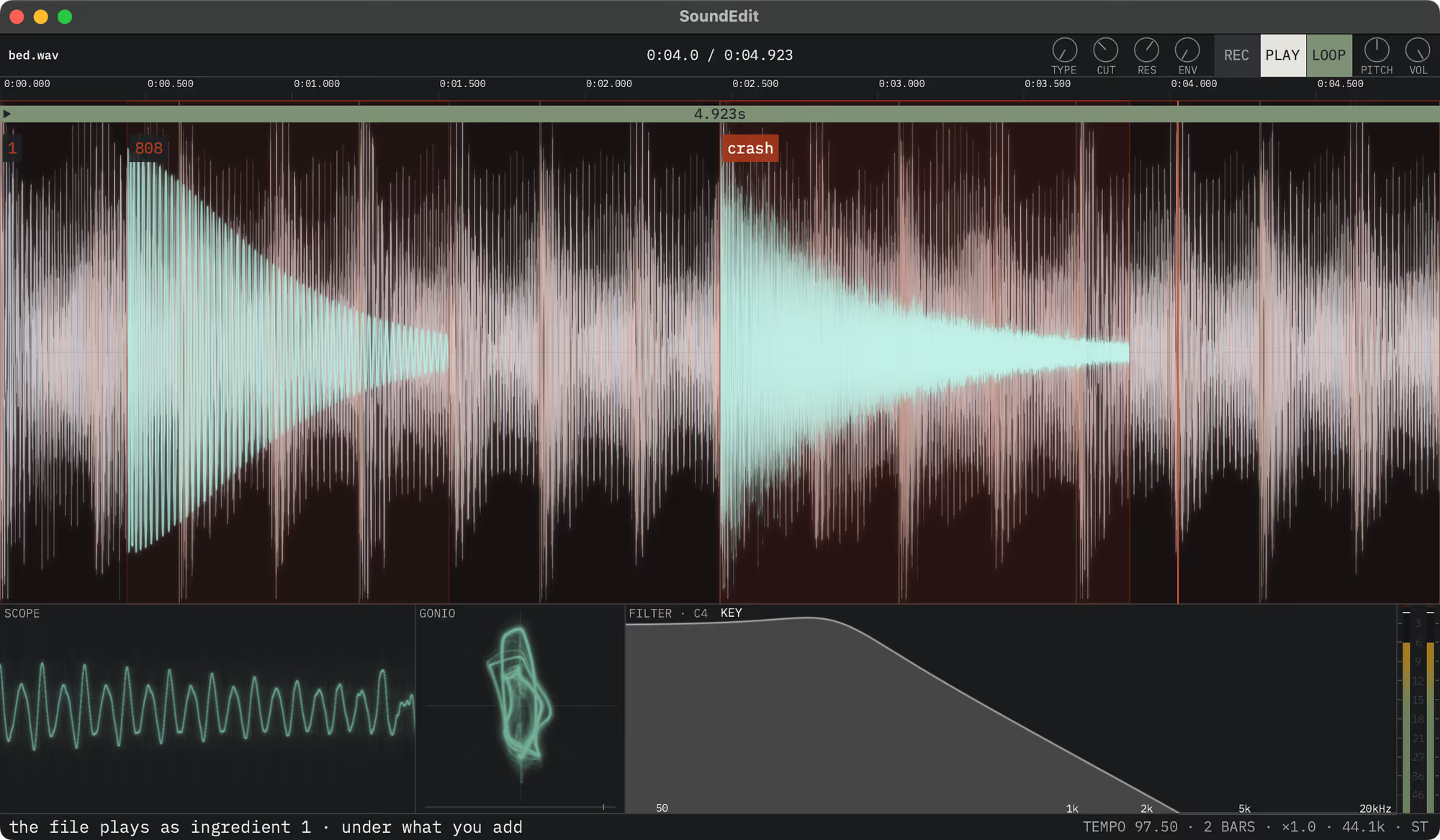
Layer sounds without committing.
Drop one sound onto another and it becomes an Ingredient: frame-exact over the untouched original and still live, ready to move, fade or mute. You hear the arrangement while you arrange it, and Reduce mixes it in as a step you can undo.
- Ingredients
- Reduce
- Undo after quit
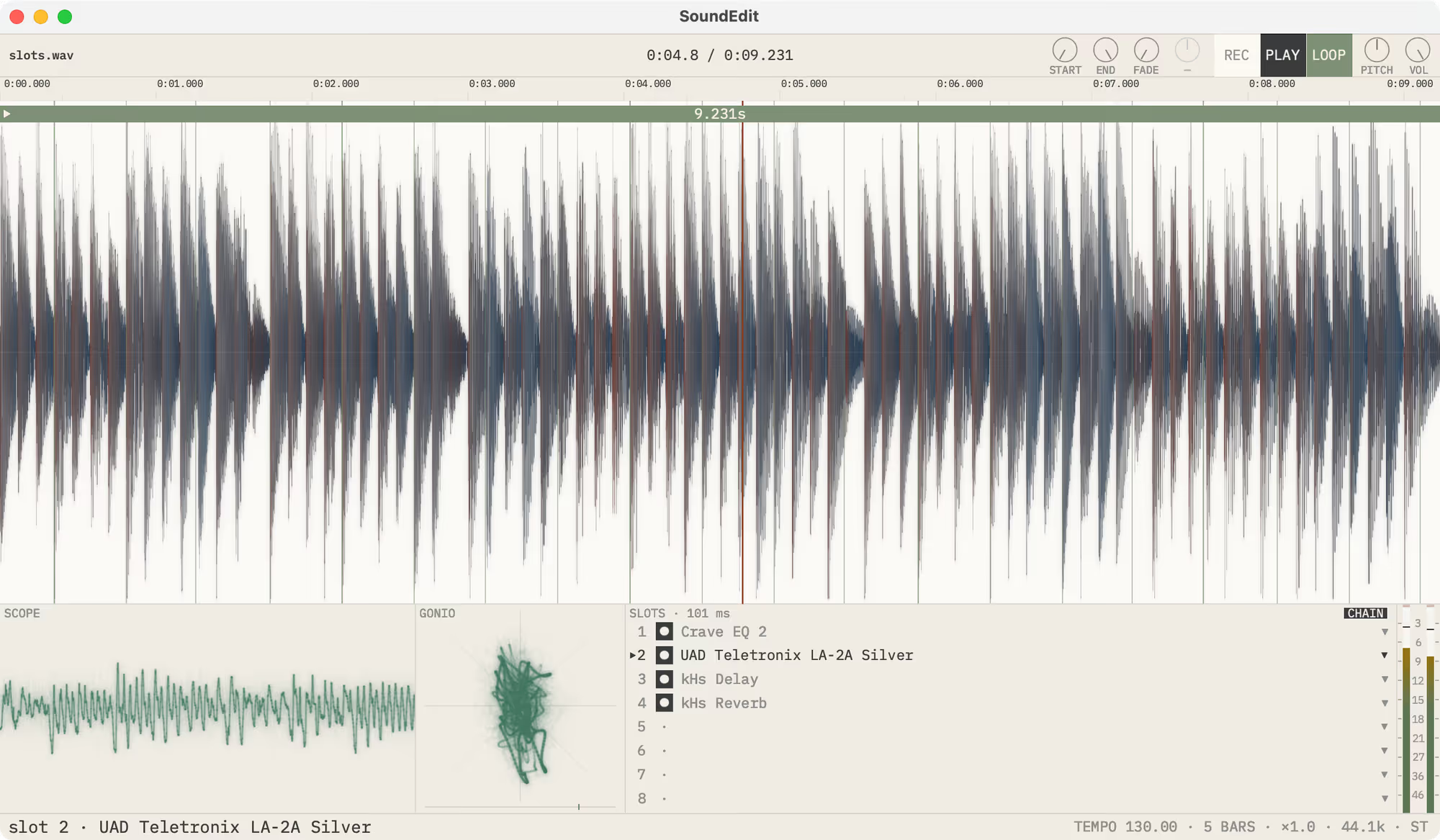
Your plug-ins, live on the sound.
Eight Audio Unit slots play live on every file, and the chain is kept in the file’s History with every other step. Quit, open the file again, and the plug-ins come back with it.
- Eight AU slots
- Kept in History
- Every step survives quit
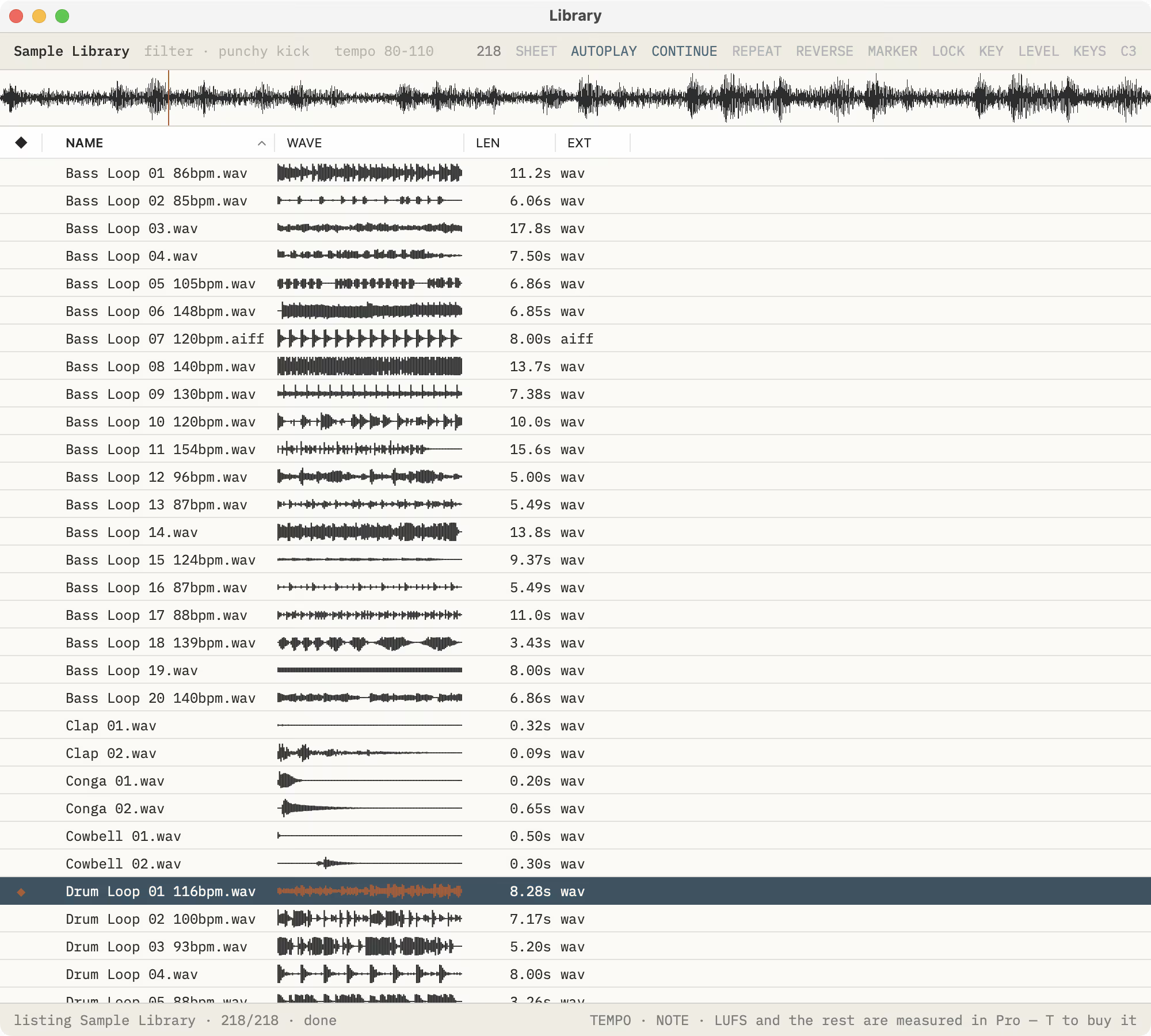
A Library for every sound you own.
Open any folder, nothing imported, and its sounds become a list you hear the moment you select one. Sort it, filter it, play any sound from your keyboard or a MIDI keyboard, open it in the editor with Return, and convert the rows you choose in one pass.
- Any folder
- Nothing imported
- Batch convert
Every sound you own, measured and ready.
SoundEdit Pro measures every sound in a folder right where it sits, then puts the measurements to work: loops in your tempo and key, fixes written into the files themselves, recipes over whole folders, and kits for the sampler on your desk.
Try it free for 14 days, from the Library. Then a one-time unlock, no subscription.
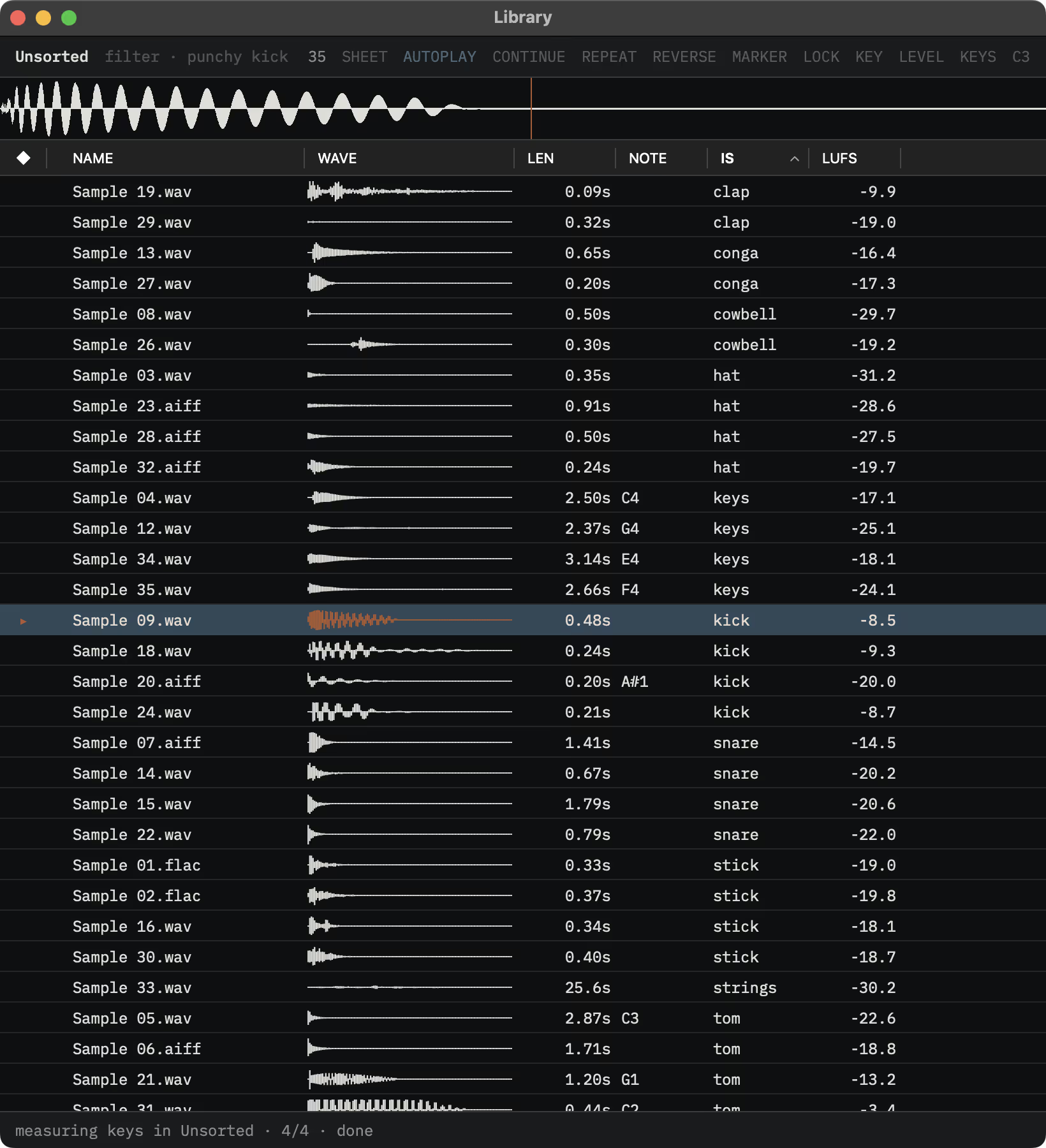
Every sound measured and named.
Every sound in a folder is measured right where it sits: what kind of sound it is, its tempo, root note and key, its loudness and true peak. Sort and filter on any of it by typing, tempo 80-110 or lufs >-14, or search in plain words, “short punchy kick”. Correct a sound’s class and SoundEdit learns it.
- What it is
- Tempo · root · key
- LUFS · true peak
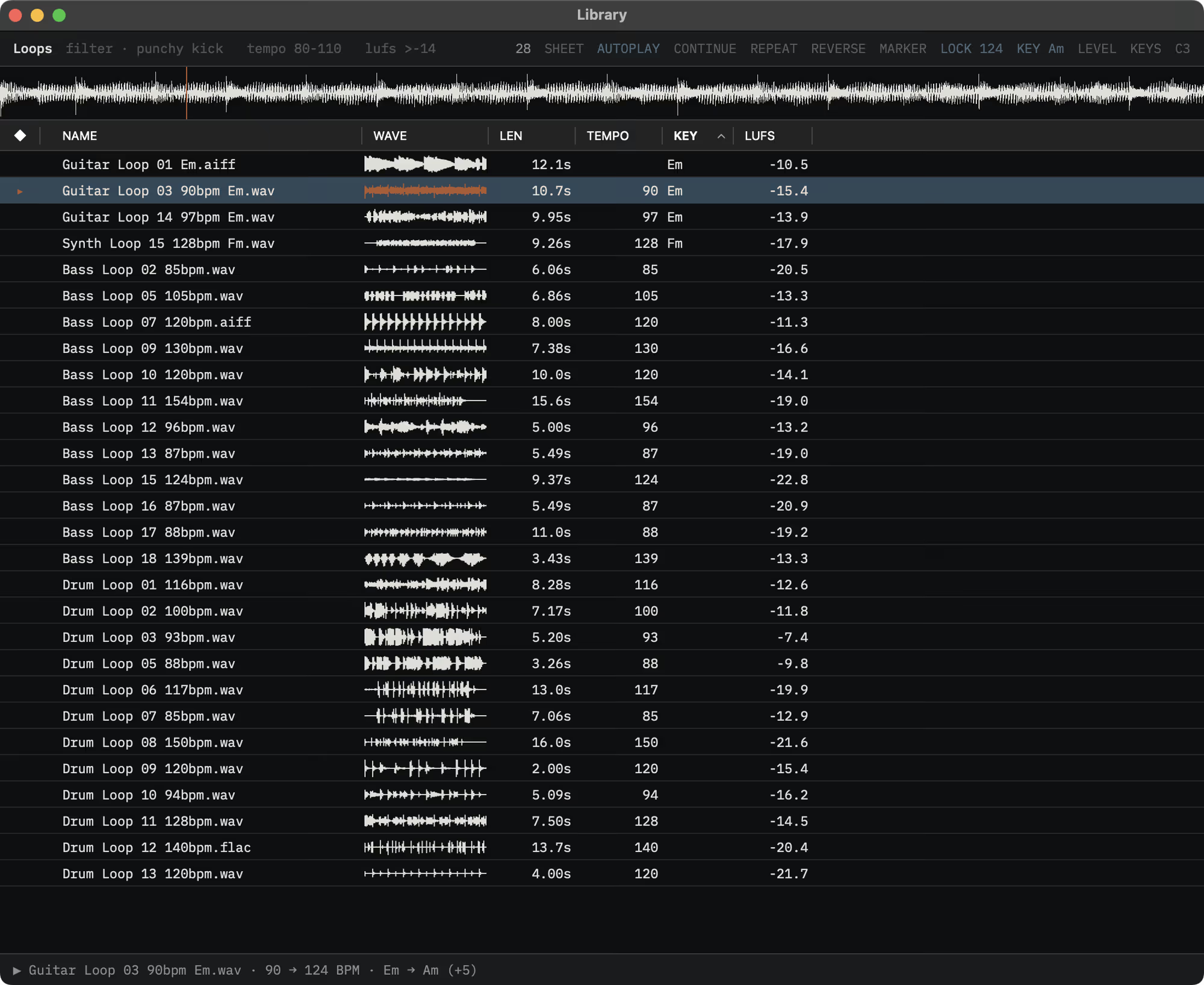
Every loop in your tempo and key.
Lock to a tempo you type or a MIDI clock’s, pick a key, and every loop you hear follows. Drag one out and it arrives in that tempo and key. Fix a tempo, root note or loop point and Write Into Files puts it in the file itself, where a sampler or any app that reads it finds it; ⌘Z puts the file back byte for byte.
- LOCK · KEY
- MIDI clock
- Write Into Files
A whole folder, heard before and after.
Recipes run steps and plug-in chains over whole folders. Stage one, flip any row between its source and its result, then run it. Every result is a new file, your originals stay as they were, and a report shows what happened to each one.
- Recipes
- Source · result
- Run report
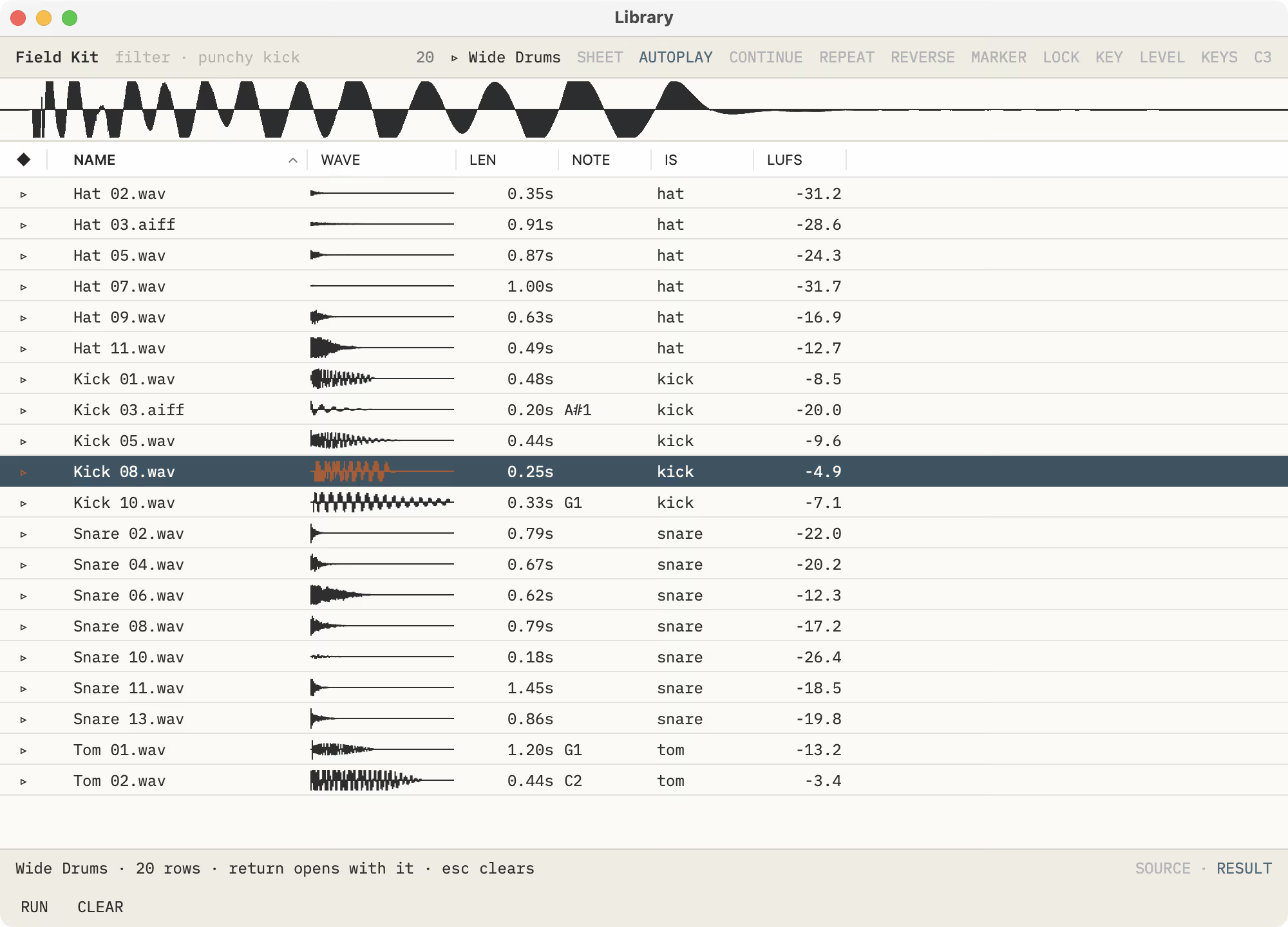
Ready for the sampler on your desk.
With Pro, split a long session of hits into named takes, make a kit with one key, and send it straight to the device, or fit a whole folder to the sampler you own.
Ears for your agent.
Turn on Settings ▸ Agent and the AI agent you already use, in Claude or any MCP client, works in SoundEdit while it’s open: the file in front of you, its selection and every edit, as you watch and listen.
With SoundEdit Pro it reads what SoundEdit measures, so it names a sound by what it is, and does what you do in the Library and the File menu: renames and tags sounds, writes a tempo or root note into the file itself, runs recipes and makes kits. SoundEdit can serve it without a window, starting at login.
From the makers of Wave Editor and Sample Manager.
SoundEdit is a new audio editor from Audiofile Engineering, who made Wave Editor, Sample Manager, Triumph, Myriad and Loop Editor. If you used one of them, see where its ideas went in SoundEdit, and what to try first.
For Wave Editor, Sample Manager, Triumph, Myriad and Loop Editor usersOn the Mac App Store.
Free to download. The editor and SoundEdit Pro each try free for 14 days, then a one-time unlock. No subscription.
For reviewers.
Open the SoundEdit press kit, or write directly for review codes.
SoundEdit help.
The guide to the editor, the Library and SoundEdit Pro, with every menu and key.
Open SoundEdit help